
Level or the Z-axis can now be set by a plane grown from a flat surface in the Setup Cloud view. Levelling Setups in the registration can help level the whole project during optimisation. The Setups levelled by this tool are weighted as high as Setups from a P-Series scanner. Depending on the number of Setups registered with this feature, the registration will reflect the averaged Z direction of the Setups that were levelled by this feature.
To use this feature, the following steps are required:
-
Enter the Setup Cloud view from a single Setup or a Setup registered in a Bundle.
-
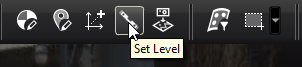
Click Set Level on the top toolbar.
-
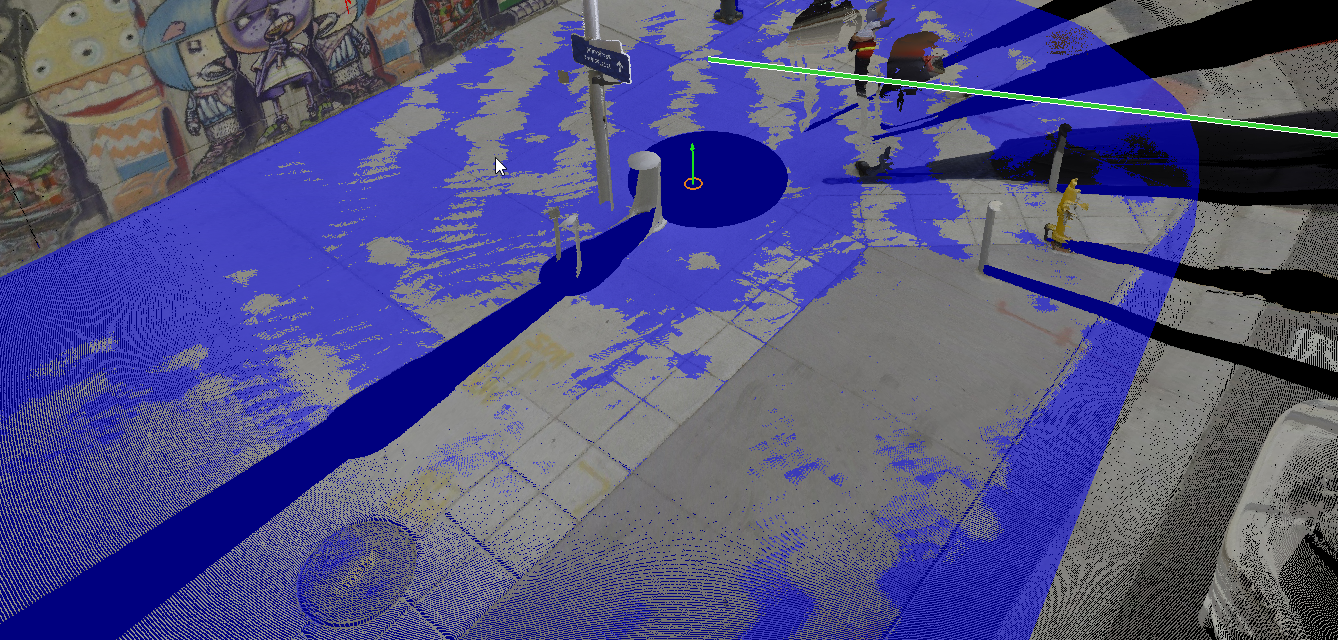
Double-click a flat area of the scan to region grow a plane.
-
The arrow indicator shows the proposed new Z-axis for the Setup.
-
Clicking on the plane again will change the axis to point the opposite direction.
-
Click the Set Level button to apply the new Z direction.
-
Apply Set Level to other Setups in the Bundle to strengthen the weight of the Z-axis used by the Set Level tool.
When Cyclone REGISTER 360 PLUS optimises the Bundle, the new level applied by the Set Level tool from the Setups will have as much optimisation weight as Setups from a P-Series scanner with a DAC.
Note: Enabling the level condition does not affect any existing UCS. To disable it, see Turn Off Level Condition for DAC-Leveled Scanners.