
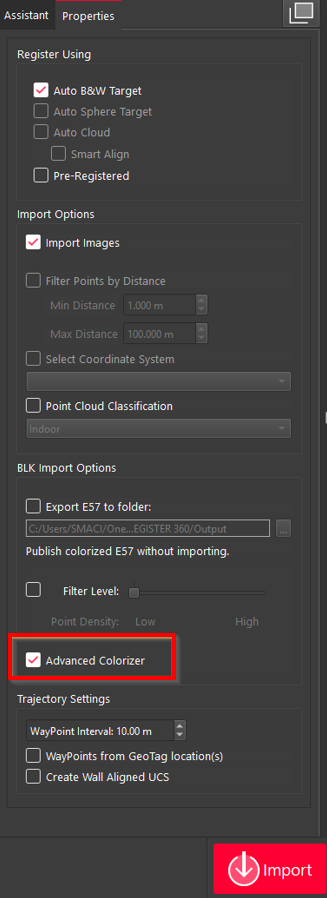
When importing B2G files, users can take advantage of the Advanced Colorizer option available in the Properties panel of the Import area.
This feature enhances the visual quality of the point cloud by applying advanced colourisation during the import process, resulting in a more detailed and visually appealing dataset.
Note: Enabling the Advanced Colorizer significantly increases processing time. Imports are expected to take approximately 2–3 times longer compared to standard imports.
See the comparison results below:
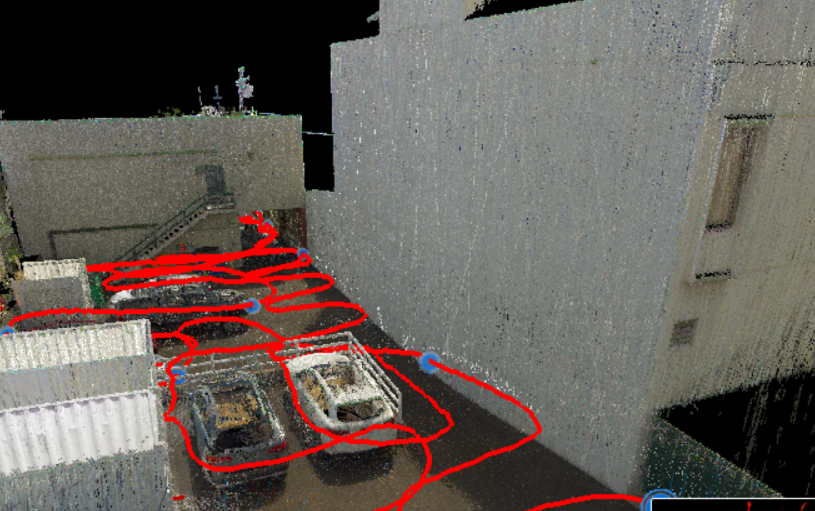
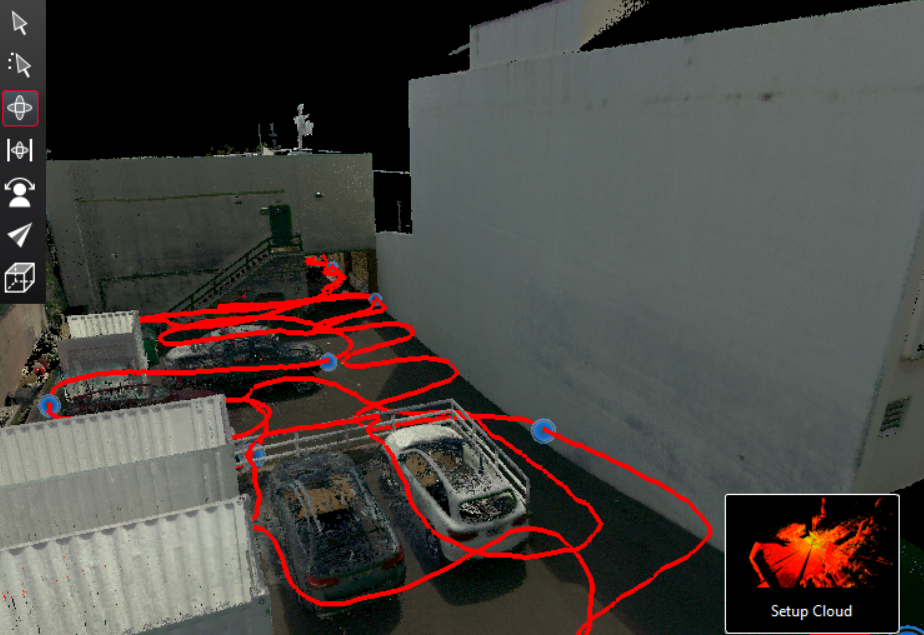
Advanced Colorizer off (left) vs.on (right)
Important: The Advanced Colorizer import option does not work for B2G files captured with BLK2FLY. When selected, the import behaves the same as if the option were not selected. Therefore, using this option for such datasets is not recommended.