revit
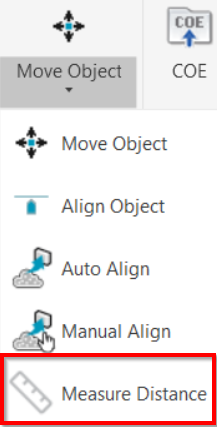
Tools | Move Object | Measure Distance
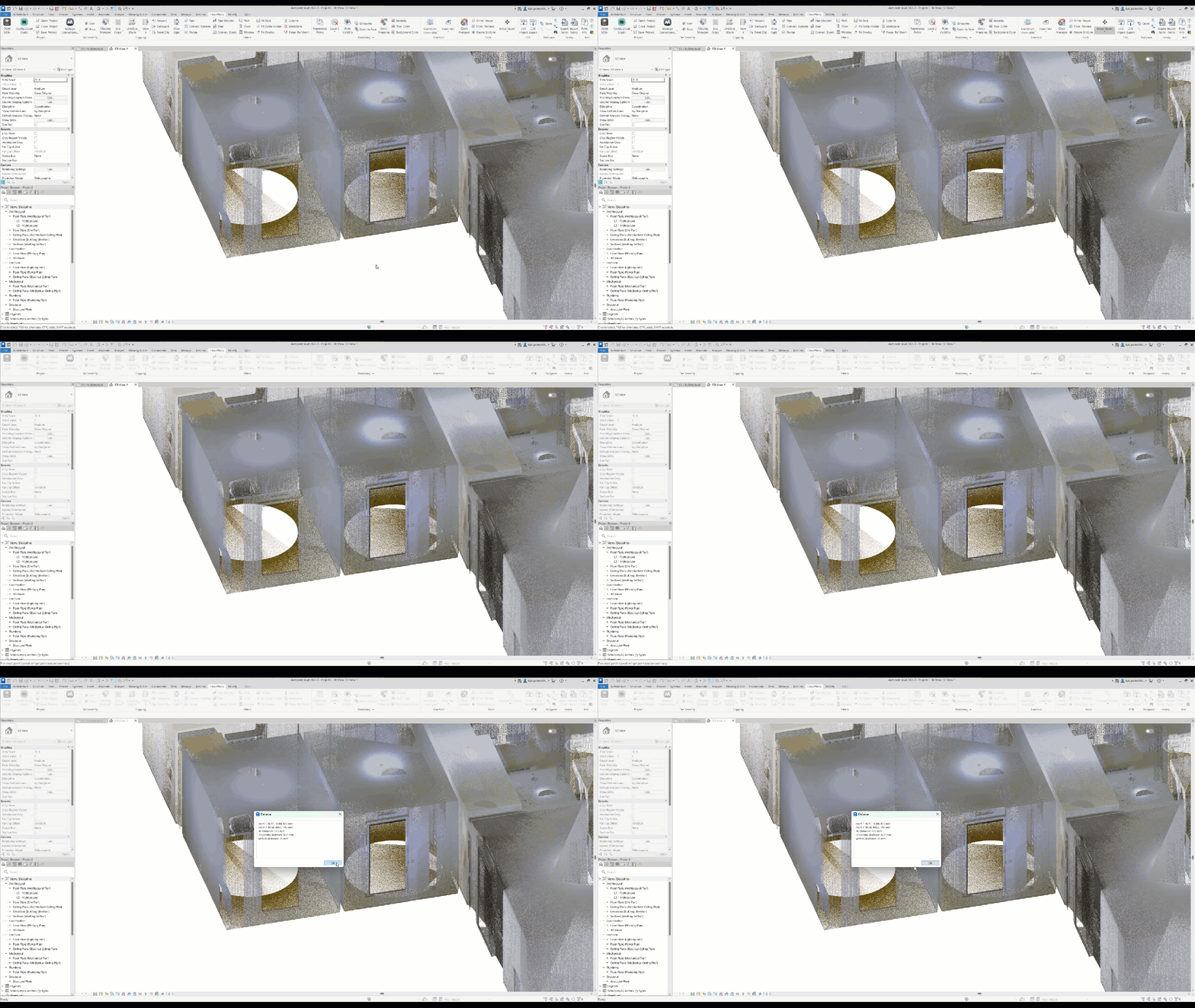
This tool measures the distance between two specific points.
Using the Tool
To measure the point-to-point distance:
-
Click the Measure Distance button in the Tools panel.
-
Select the first point.
-
Select the second point.
-
Click OK to stop the tool.
-
Press Esc to cancel the tool.
As a result, the following measurements will be available:
-
Coordinates of the first point
-
Coordinates of the second point
-
3D distance between the two points
-
Horizontal distance between the points
-
Vertical distance between the points