
This guide provides a comprehensive overview of target prioritization, highlighting its relevant use cases and offering detailed step-by-step instructions for prioritizing targets.
Understanding Target Prioritization
Prioritized targets increase the weighting of targets during Cloud-to-Cloud formation. They are especially relevant in poor Cloud-to-Cloud conditions and assist in inspecting the accuracy of alignment in the entire registration or specific areas which can be deformed.

Area alignment with prioritized targets

Area alignment with nonprioritized targets
Automatic Target Prioritization
The Prioritize targets in cloud-to-cloud option is available on the Cloud-to-Cloud tab in Settings. If it is turned on, the targets are prioritized automatically during Cloud-to-Cloud visual alignment. If it is turned off, the targets are weighted almost equally to Cloud-to-Cloud.
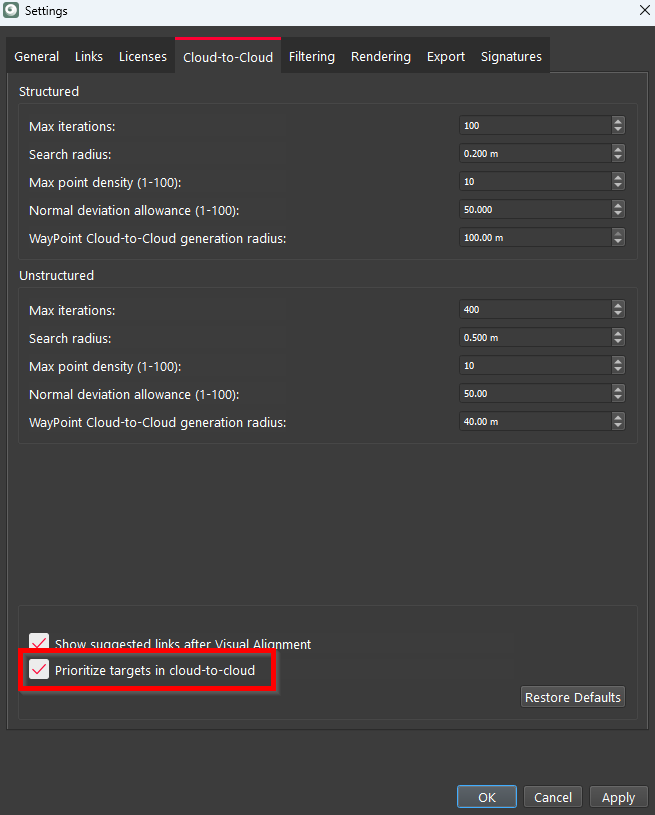
If you choose to activate this setting before importing project data, targets will be prioritized during the import process.
Alternatively, you can prioritize targets later during the Review and Optimize step by following the instructions below.
Prioritizing Targets After Initial Registration and Import
To prioritize targets at the Review and Optimize stage, once the initial registration is done and Cloud-to-Cloud links are created, simply activating the Prioritize targets in cloud-to-cloud option in Settings is not enough. The Cloud-to-Cloud formation should be performed again according to the instructions below:
1. Open Settings.
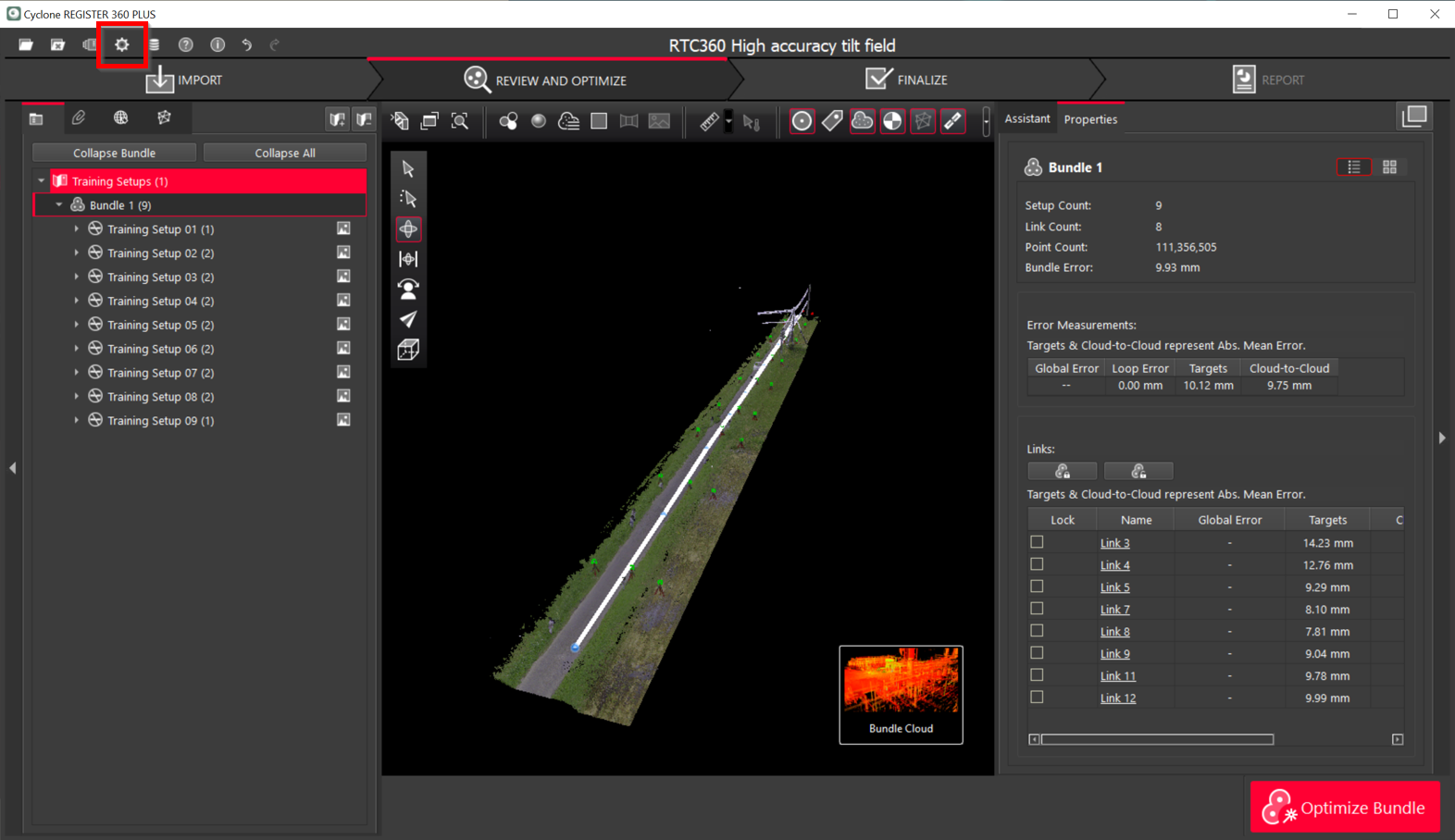
2. Navigate to the Cloud-to-Cloud tab, select the Prioritize targets in cloud-to-cloud check box and click Apply to save the changes.
-
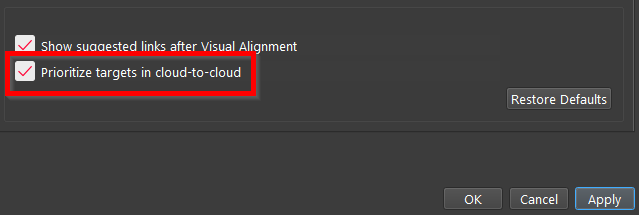
Right-click the Bundle and then select Run Cloud-to-Cloud on all links from the context menu.
-
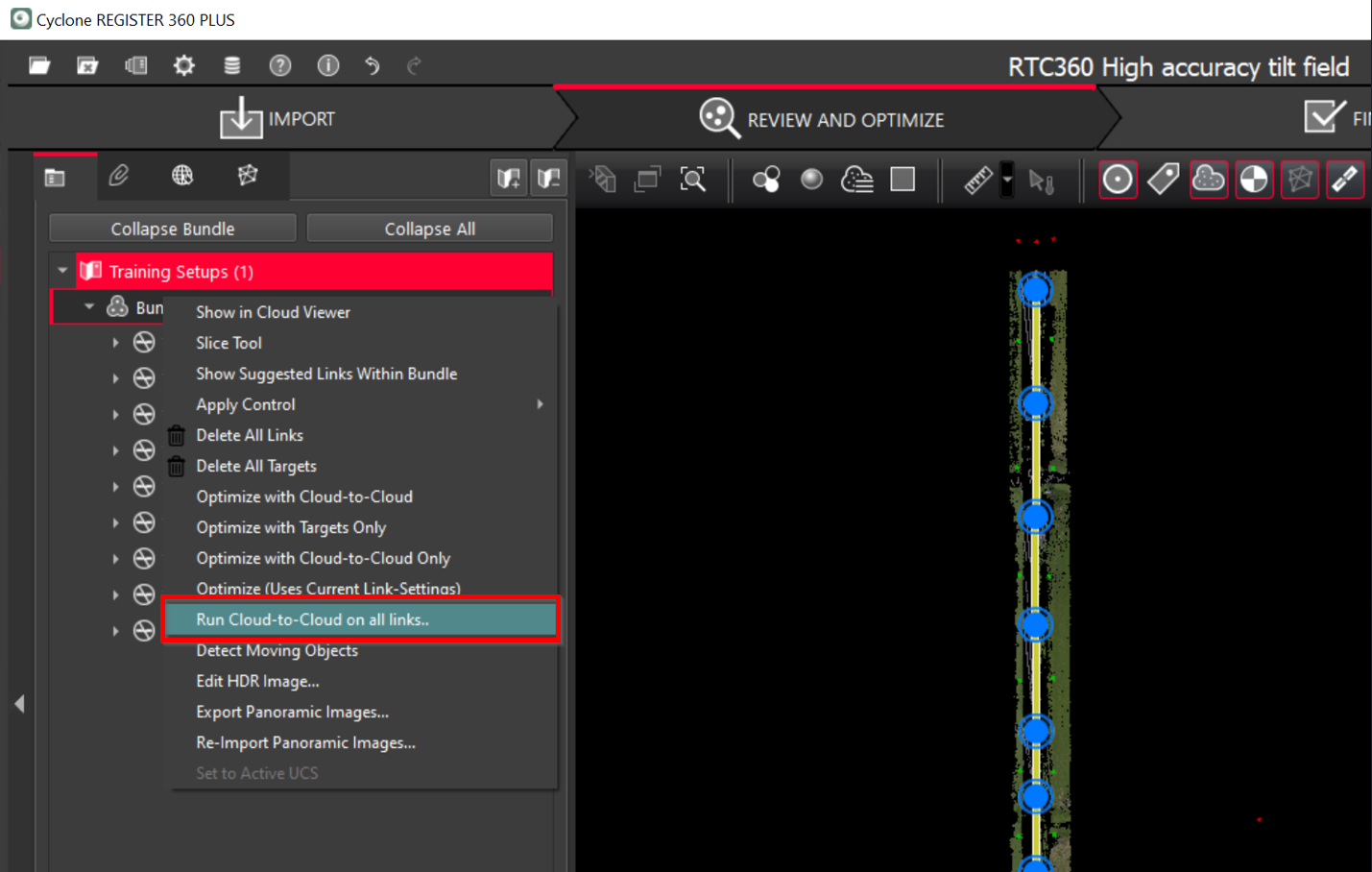
Click OK to apply the changes.
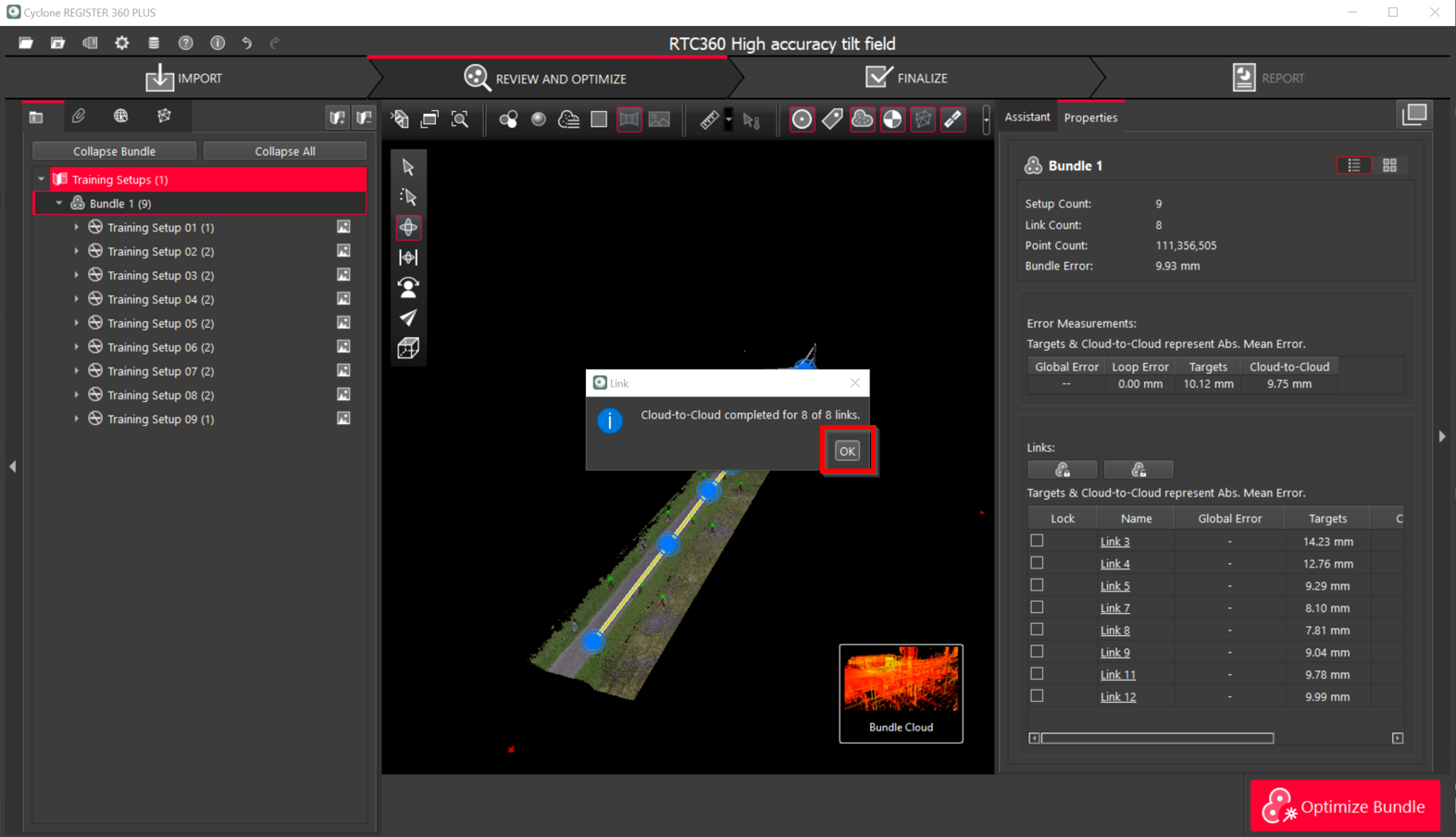
-
Targets are prioritized. Click OK to close the Bundle Optimization dialog.
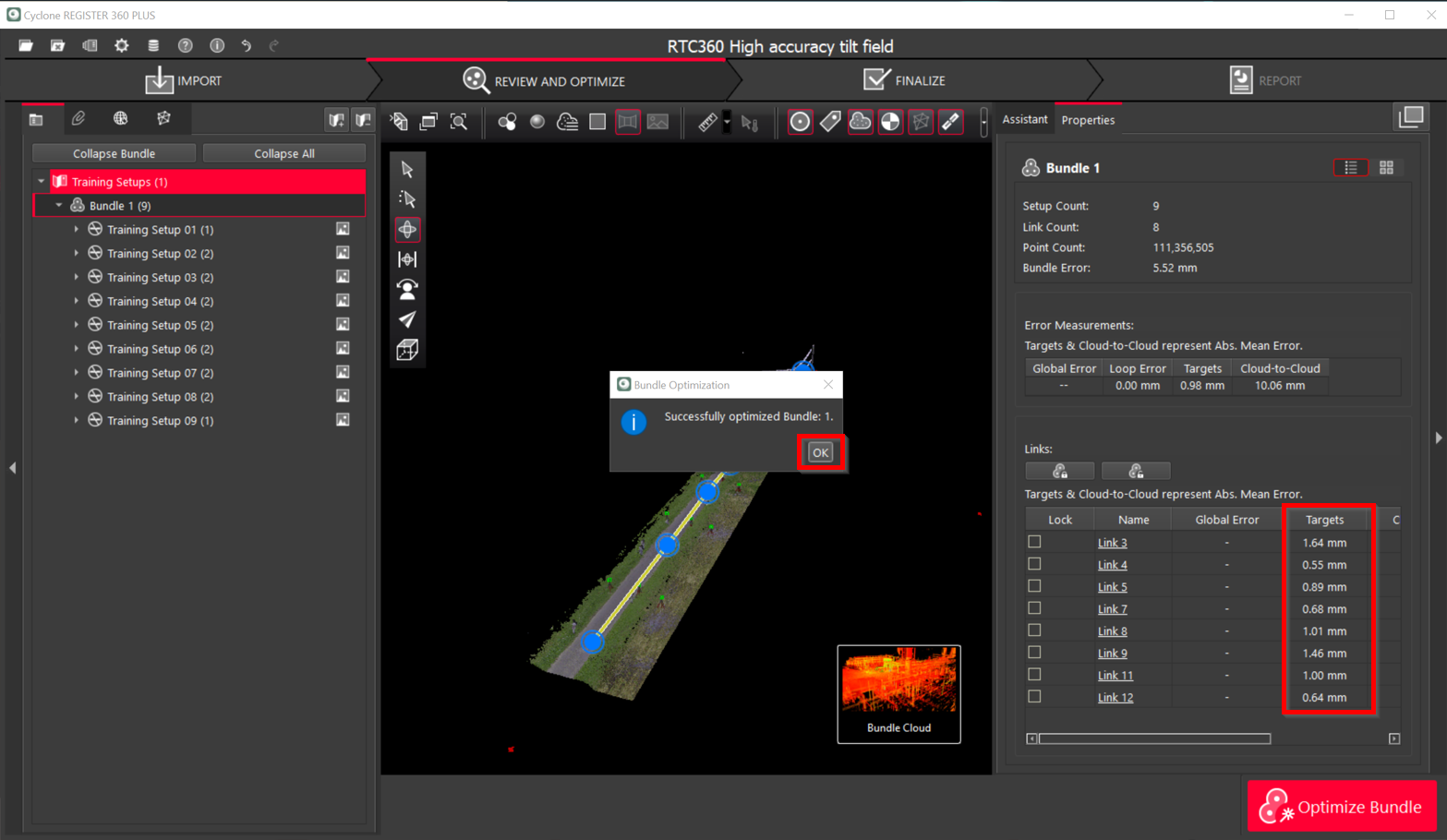
Note: To return to the nonprioritized targets, simply repeat the instructions above, ensuring that the Prioritize targets in cloud-to-cloud option is turned off.
Summary
When prioritizing targets, it’s essential to run Cloud-to-Cloud either on an individual link, if you want to change just one, or on all links in a Bundle. The prioritized targets will always get more weight over Cloud-to-Cloud and bring more input into the final registration, especially in areas with low density.