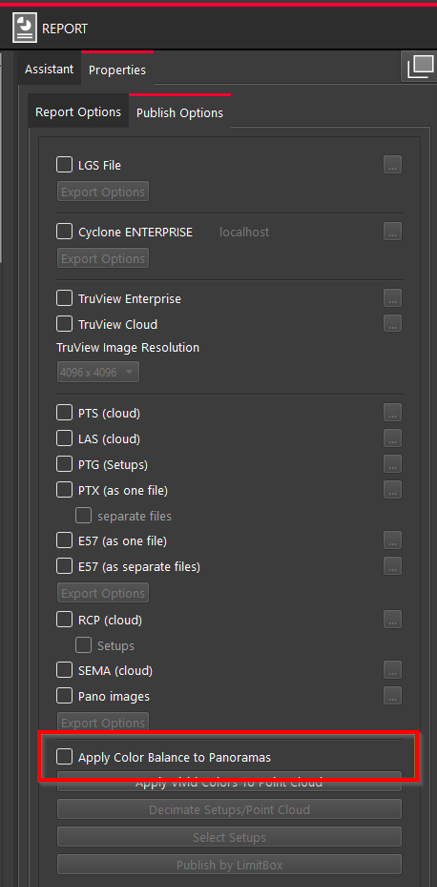
The Apply Color Balance to Panoramas option helps improve the visual consistency of panoramic images during export.
When multiple panoramic photos are stitched together, differences in lighting or color can sometimes make the transitions between them look uneven. This feature automatically adjusts the brightness and color tones so that overlapping areas between images blend more naturally. The result is a smoother, more visually balanced panorama.
The option is available among Export Options on the Publish Options tab of the Properties panel.