
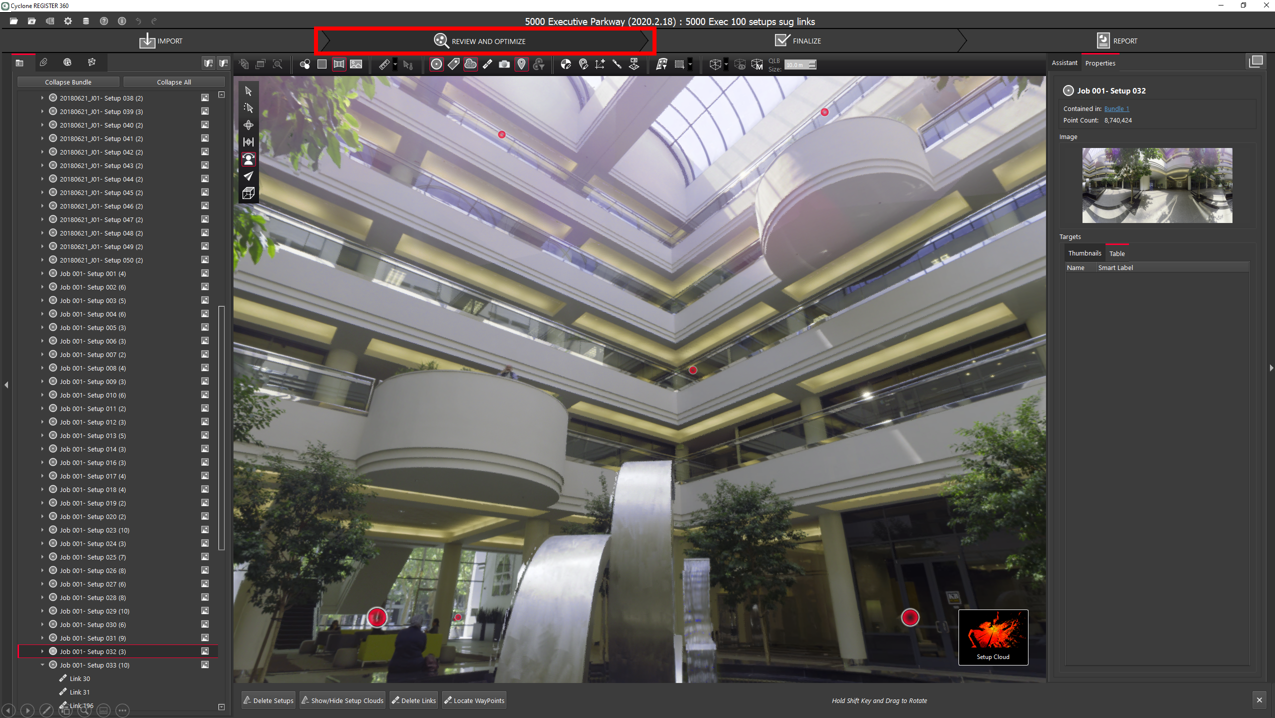
The Review and Optimize section is the heart of Cyclone REGISTER 360 PLUS, where users can visualize and modify their project data and begin to create deliverables. This area of the program includes a wealth of powerful tools for users to do everything from editing their registration to cleaning their data and more.
Further reading on Review and Optimize:
-
Undo/Redo -
Moving Setups and/or Bundles in the SiteMap View -
Creating Links -
Scale Background Image to Point Cloud -
Create UCS -
Using Multiple SiteMaps -
Unified Point Cloud Creation -
Batch Renaming of Setups -
Set Z or Level by Floor or Flat Surface in Setup Cloud View -
Tone Map Editor -
Image Blur Editor -
Display IR Imagery as False-Color by Temperature -
Create and Edit GeoTags -
Export, Import, and Re-Import Panoramic Images -
Ortho Image Section -
BLK ARC and BLK2FLY Workflow -
Processing BLK Kinematic Data in Cyclone REGISTER 360 PLUS -
Optimize -
Error Vectors for Target Constraints