revit
Fitters | Window
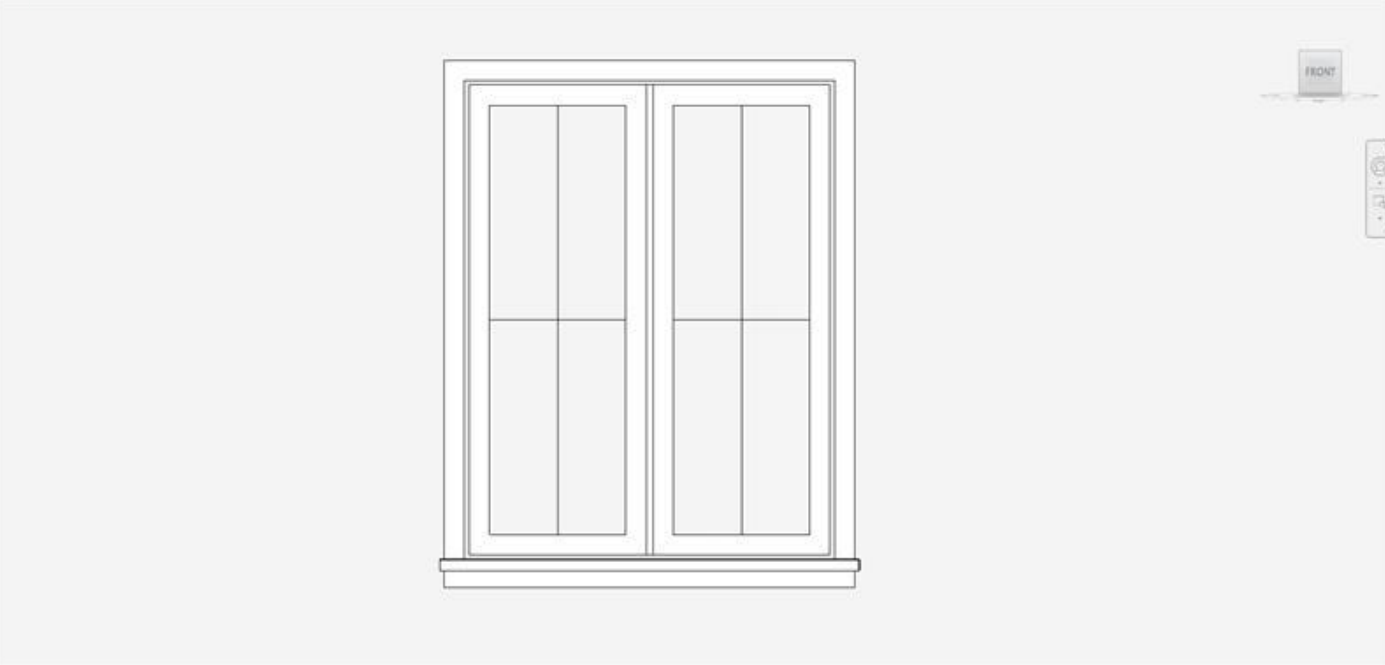
This tool allows users to fit windows from a catalogue in a semi-automated fashion to quickly add intelligent components to Revit models.
Using the Tool
To fit a window, follow the steps below:
-
Click the Window icon in the Fitters panel.
-
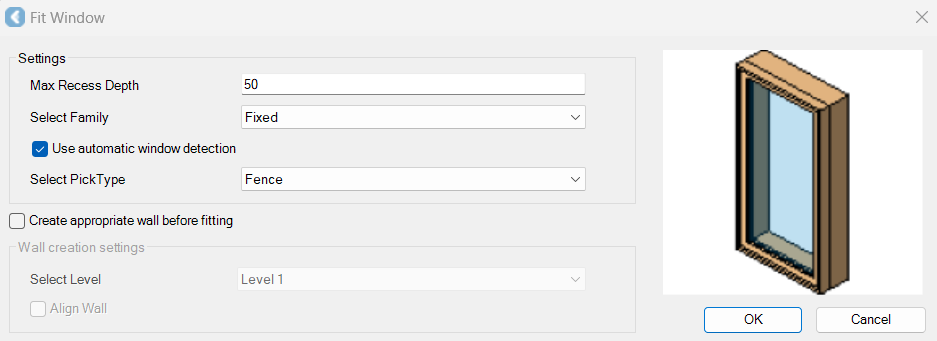
The Fit Window dialog will appear.
-
-
In the Fit Window dialog, modify the settings as follows:
-
Specify the Maximum Recess Depth value.
-
Select a family.
-
Select a pick type.
-
Select the Create appropriate wall before fitting check box if it’s necessary to create a new wall to which a window will be fitted.
-
Click OK.
-
-
Click on the window in the CAD window or TruSpace.
-
A new dialog will appear, suggesting a window type based on the best fit within the family.
-
Accept the suggested type.
-
Or, if the suggested type is not a close enough fit, create a new type by defining the name and adjusting the size of the new type, if needed. As a result, a new entry will be created in the family and the new type will now appear on the list for future window fitting.
-
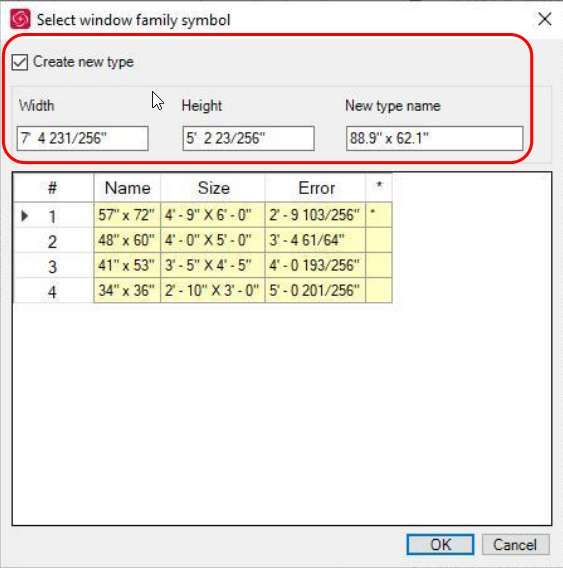
c. Click OK and the window will be placed.