AUTOCAD PRO REVIT bricscad pro ULTIMATE
Fitters | Adjust End Points
Command Line
-
AutoCAD / BricsCAD: CWFITADJUST
This tool allows users to adjust end points of piping or steel structural elements within a drawing to improve the results of auto extraction.
Using the Tool
To adjust the extents of an object:
-
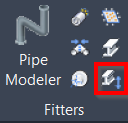
Either click Adjust End Points in the Fitters panel or type a command line prompt specific to the preferred CAD system and press ENTER.
-
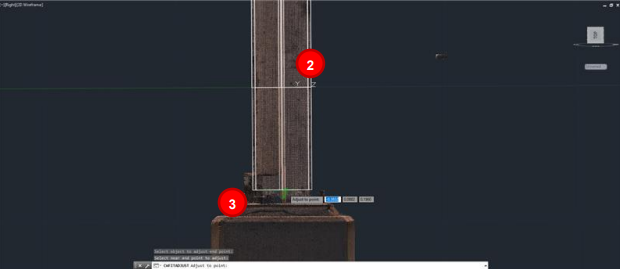
Select an object to adjust the endpoint.
-
Click near the edge of the object that needs to be adjusted and move the mouse until the element reaches the desired extent. Then click again to place it.