
revit
Fitters | Fit Overlap
This tool allows fitting flat floors and roofs to quickly complete a model.
Using the Tool
To fit a floor or roof:
-
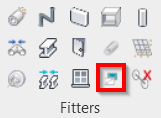
Click the Fit Overlap icon in the Fitters panel.
-
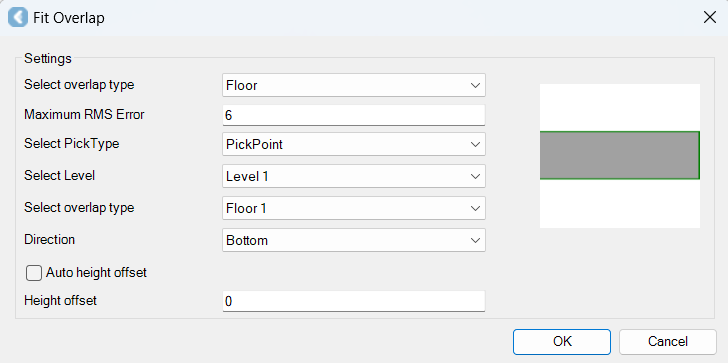
In the Fit Overlap dialog that appears:
-
Choose the type of overlap (floor or roof).
-
Adjust other settings if needed.
-
Click OK.
-
-
Click on the floor or roof (depending on the choice in Step 2a) to fit your overlap.