
revit
Fitters | Connect Steels
This fitter is used to connect steel elements.
Using the Tool
To connect several steel elements, follow the steps below:
-
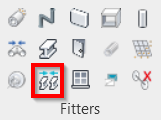
Click the Connect Steels icon in the Fitters panel.
-
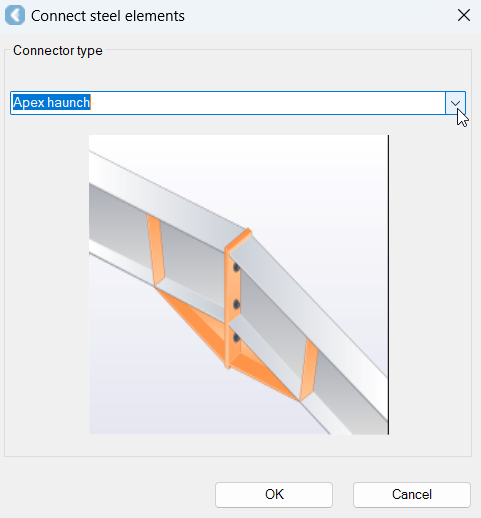
Select a connector type in the Connect steel elements dialog, and click OK.
-
Based on the selected connector type, select the required points on the cloud to connect steel elements.