
Click on the “+” button to change the asset associated with a GeoTag. This will open the asset browse dialog. This dialog will allow you to choose from a list of assets that were published with the project, browse to an asset on disk or set a URL.
.png?cb=1efa6cabf2a89943f5bfa71d709b3379)
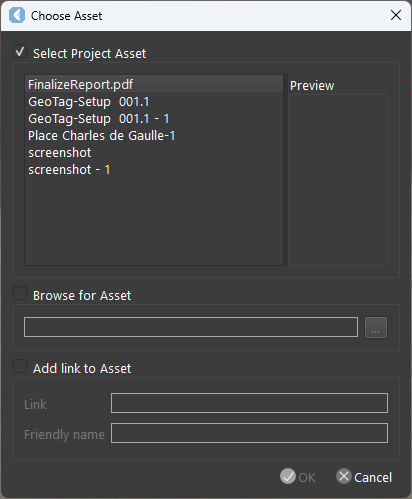
If you choose an asset and type in a URL the asset will take precedence.
Reopen the Geotag to add the link to asset.
.png?cb=748900ef1a329188c4ca3d65471aeb24)
To modify the details of an asset associated with a GeoTag, select the desired asset and click on
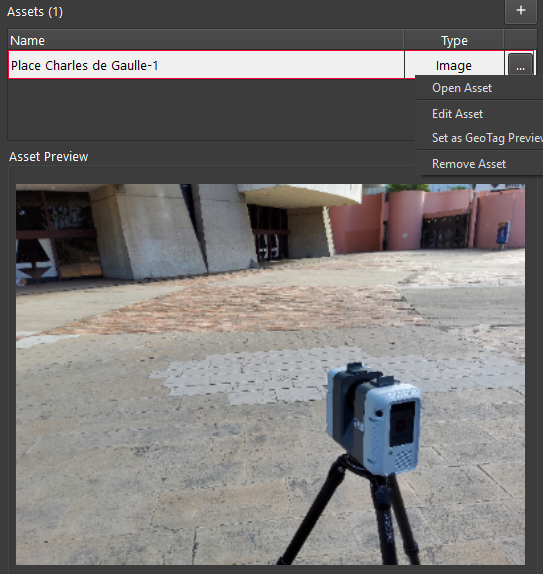
When using an LGSx you will need to save the LGSx in order for the changes to be retained.
The new GeoTags are not yet compatible with Cyclone ENTERPRISE.