
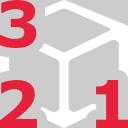
This command is used to define a 3D limit box.
Requirements
No selection is required to launch the command.
-
Click three points using Define points.
-
Points n°1 and 2 will define the basis of the box. Note that the basis will be parallel to XoY plane from the current UCS.
-
Point n°3 will set the height of the box.
-
-
A limit box is created and all previous ones are automatically deactivated.