
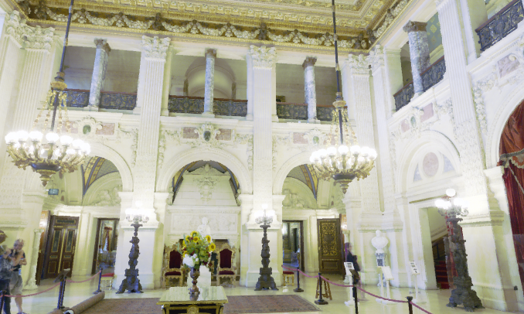
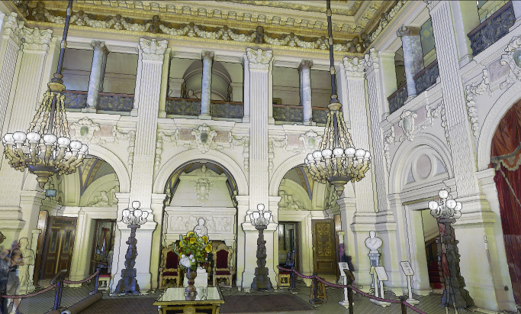
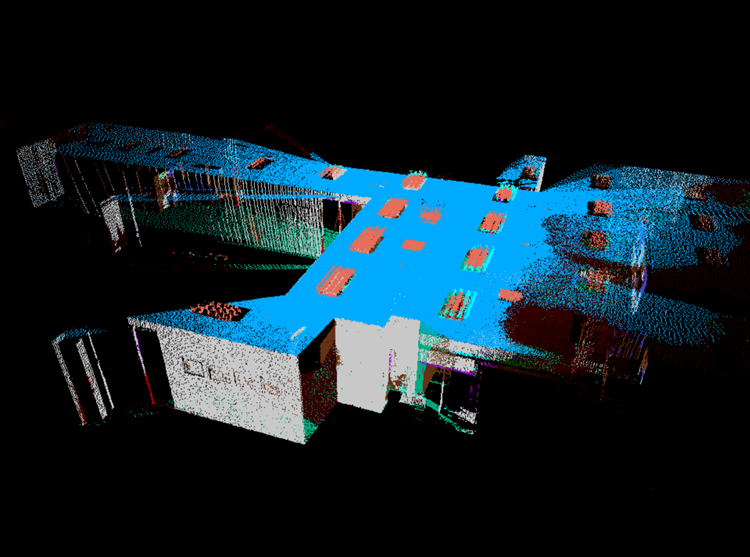
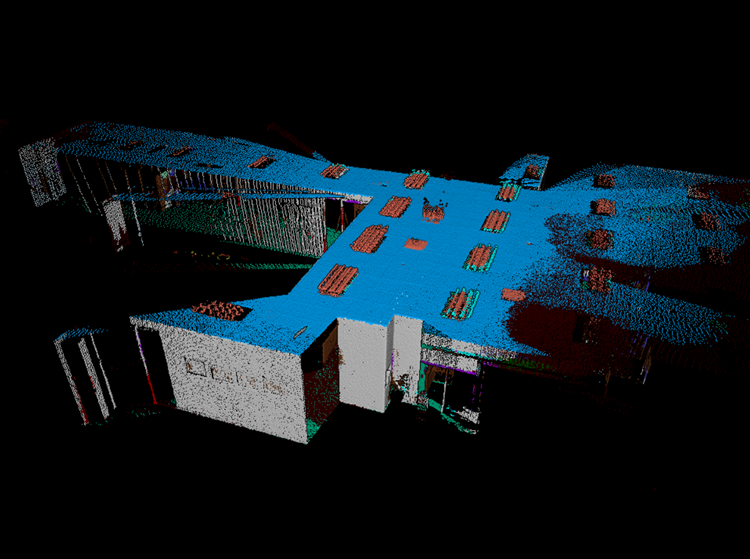
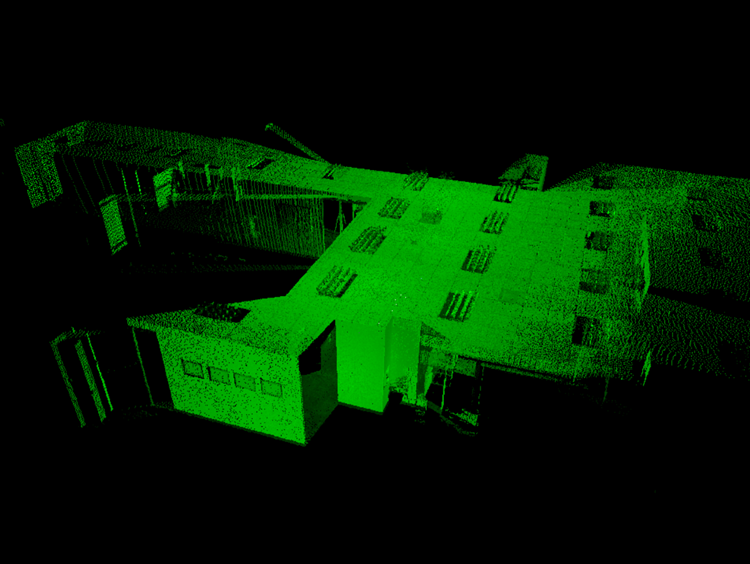
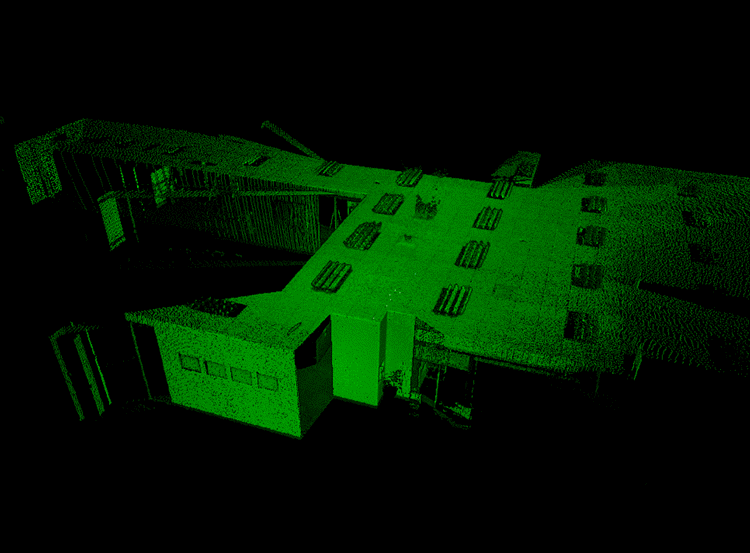
This feature allows the transformation of point clouds into shaded surfaces that dynamically respond to the lighting and the camera perspective, providing an immersive experience. As the camera's perspective changes within the scene, the point cloud dynamically responds to the lighting conditions, resulting in a realistic and engaging visualization.
The Shaded Surface Lighting rendering mode simulates the behavior of light reflecting on the shaded surfaces. When viewing a surface directly, it appears at its brightest, closely resembling real-world behavior. As the perspective shifts and the surface is viewed at an angle, it gradually darkens, enhancing the realism of visualizations.
The Shaded Surface Lighting mode can be accessed and toggled On/Off using the “Shaded” icon in the Toolbar.

|
|
|---|
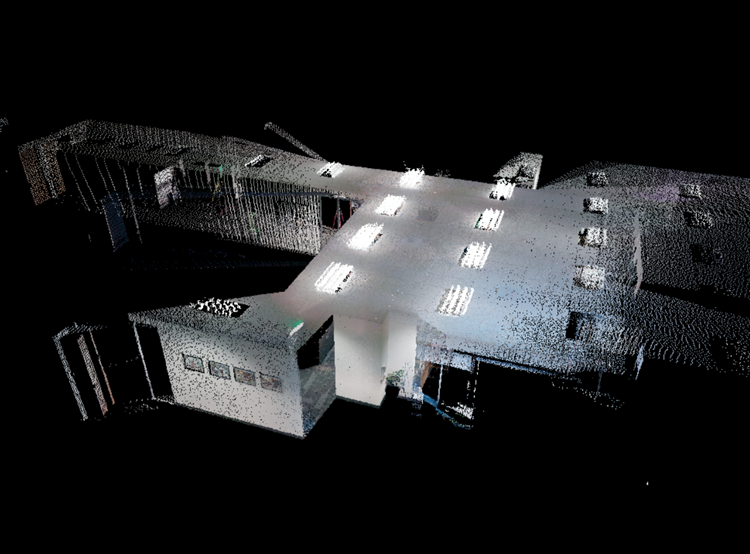
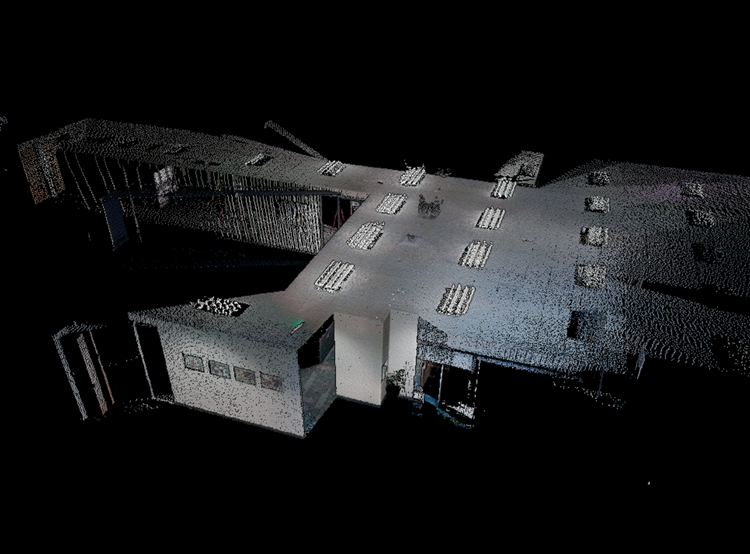
This render mode is available for all point cloud coloring modes, including Color from Scanner, Hue/Intensity, Grayscale Intensity, Color by Classification, Color by Bundle, and Color by Setup.
|
Color Mode |
Shaded Surface (Off) |
Shaded Surface (On) |
|---|---|---|
|
Color from Scanner |
|
|
|
Hue/Intensity |
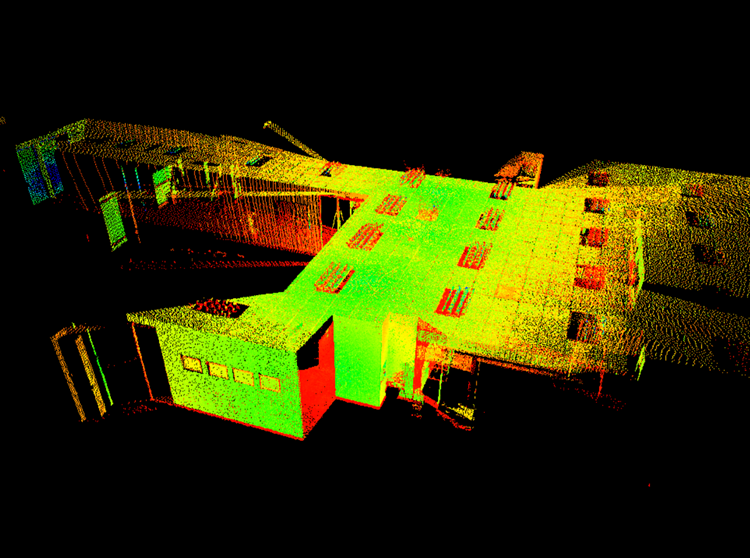
|
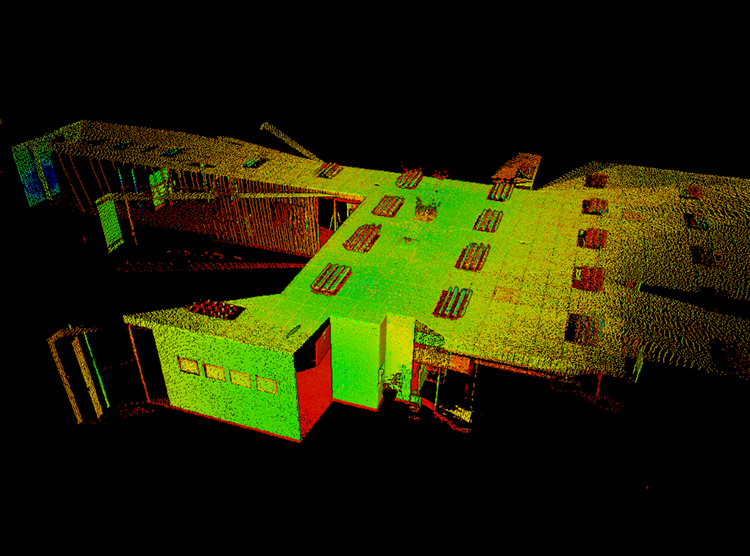
|
|
Grayscale Intensity |
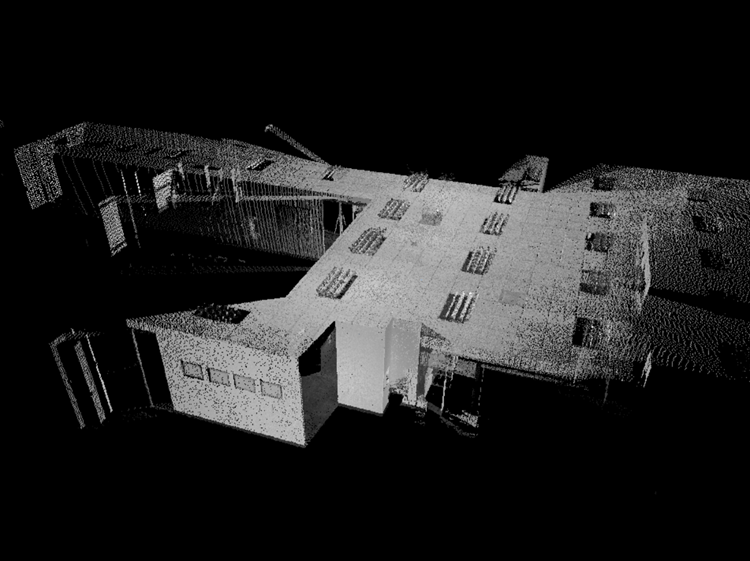
|
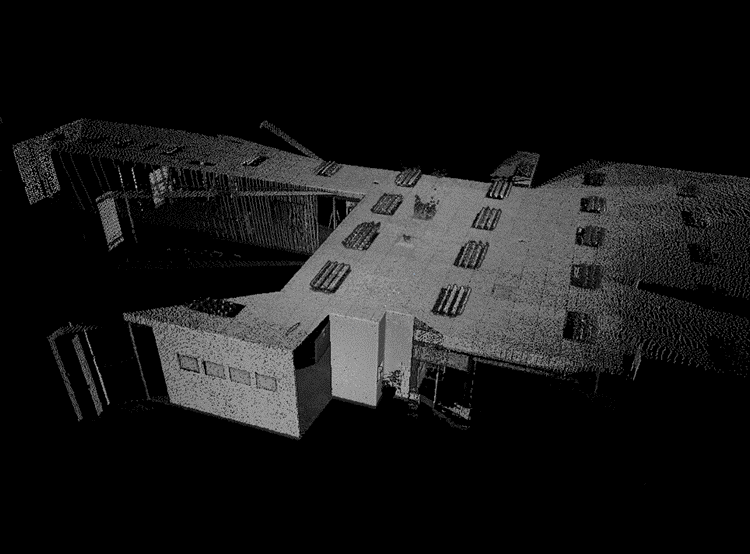
|
|
Color by Classification |
|
|
|
Color by Bundle |
|
|