
Autocad Pro bricscad pro ULTIMATE
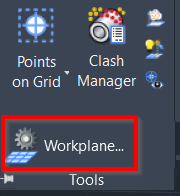
Tools | Workplane
Command Line
-
AutoCAD / BricsCAD: CWWORKPLANE | ADVANCED
This tool allows adjusting the advanced Workplane settings.
Using the Tool
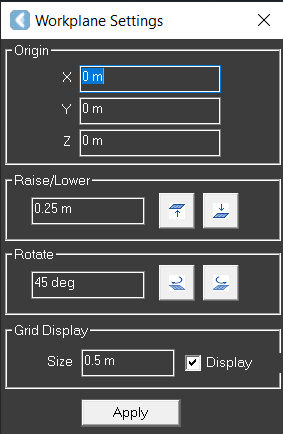
When the tool is activated, the Workplane Settings dialog appears with the following settings:
-
Origin: Defines the location of the X, Y, and X axes in meters.
-
Raise/Lower: Defines the amount by which the Workplane is raised or lowered.
-
Rotate: Changing the angle of the viewing position.
-
Grid Display:
-
Size: Changes the size of the grid.
-
Display: Enables or disables the display of the Workplane outline on the grid.
-