
revit
Tools | Create GridLine
This tool gives users the capability to use the CloudWorx point cloud to create Revit gridlines for project alignment.
Using the Tool
To create a gridline, follow the steps below.
-
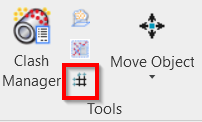
Click the Create GridLine icon in the Tools panel.
-
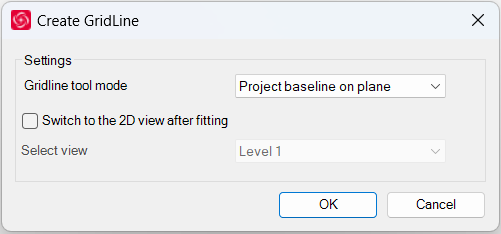
The Create GridLine dialog will open.
-
-
In the Create GridLine dialog, modify the settings as needed and click OK.
-
Select the Switch to the 2D view after fitting check box if you want to switch to a 2D view after the gridline is created.
-
-
Click on a wall or another plane within the point cloud to fit a gridline.