revit
Tools | Auto Align
This tool enables users to align the modelled object to the cloud automatically.

Using the Tool
To align a point cloud to a model, follow the steps below:
-
Select Auto Align in the Tools panel.
-
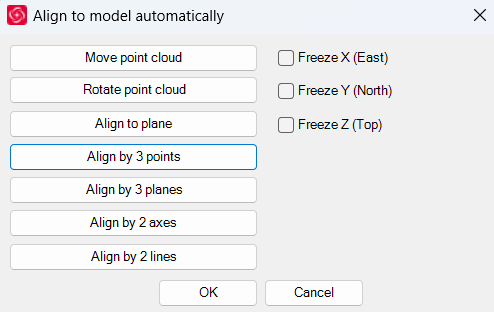
In the Align to model automatically dialog that appears, select the desired alignment method and click OK.