
The ‘Subdivide’ feature can be accessed from the Limit Box manager. This feature allows you to split a Limit Box into smaller sections. Here’s a simplified step-by-step guide:
-
Create and save a Limit Box.
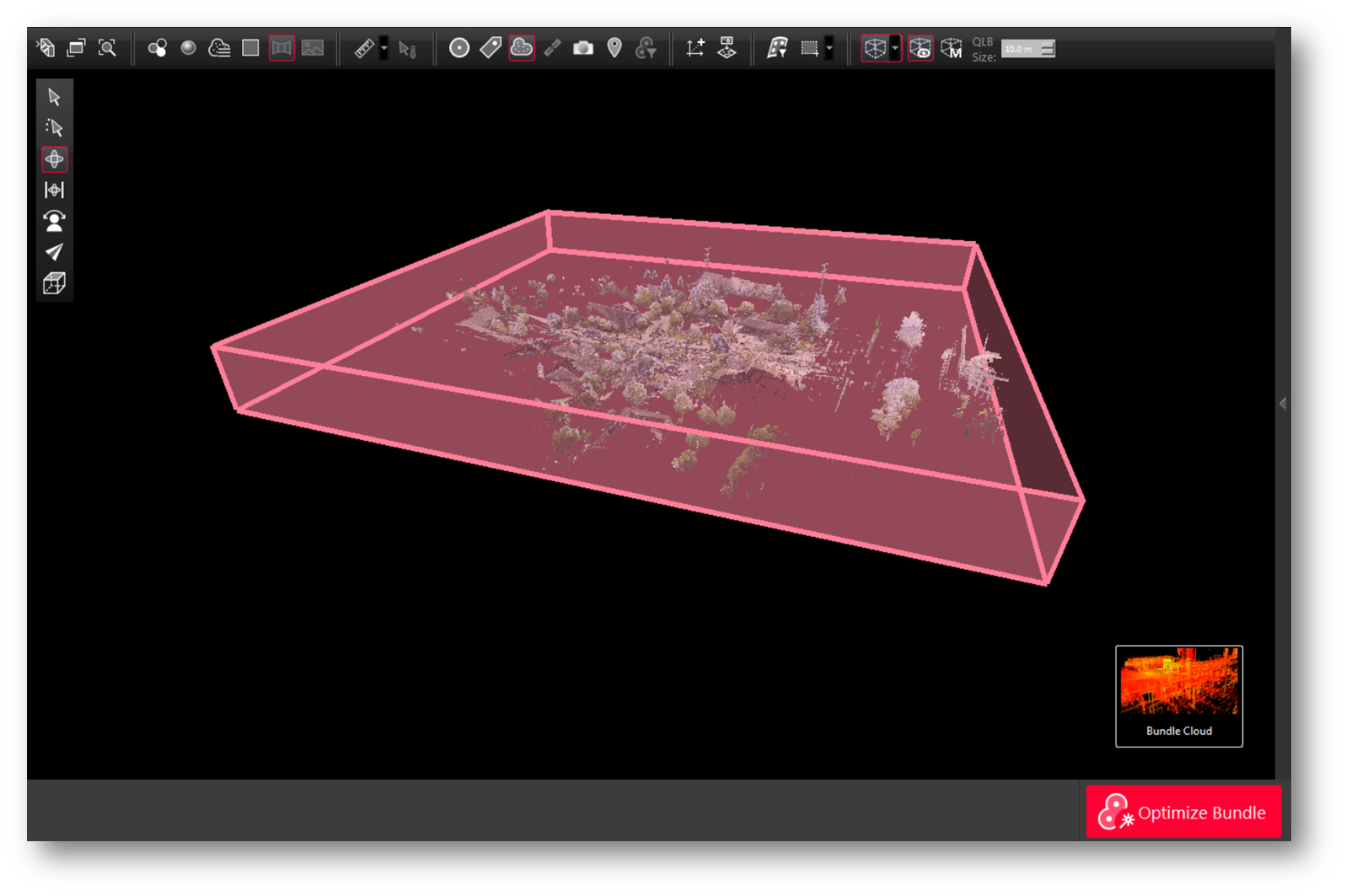
-
Select the saved Limit Box and click Subdivide.
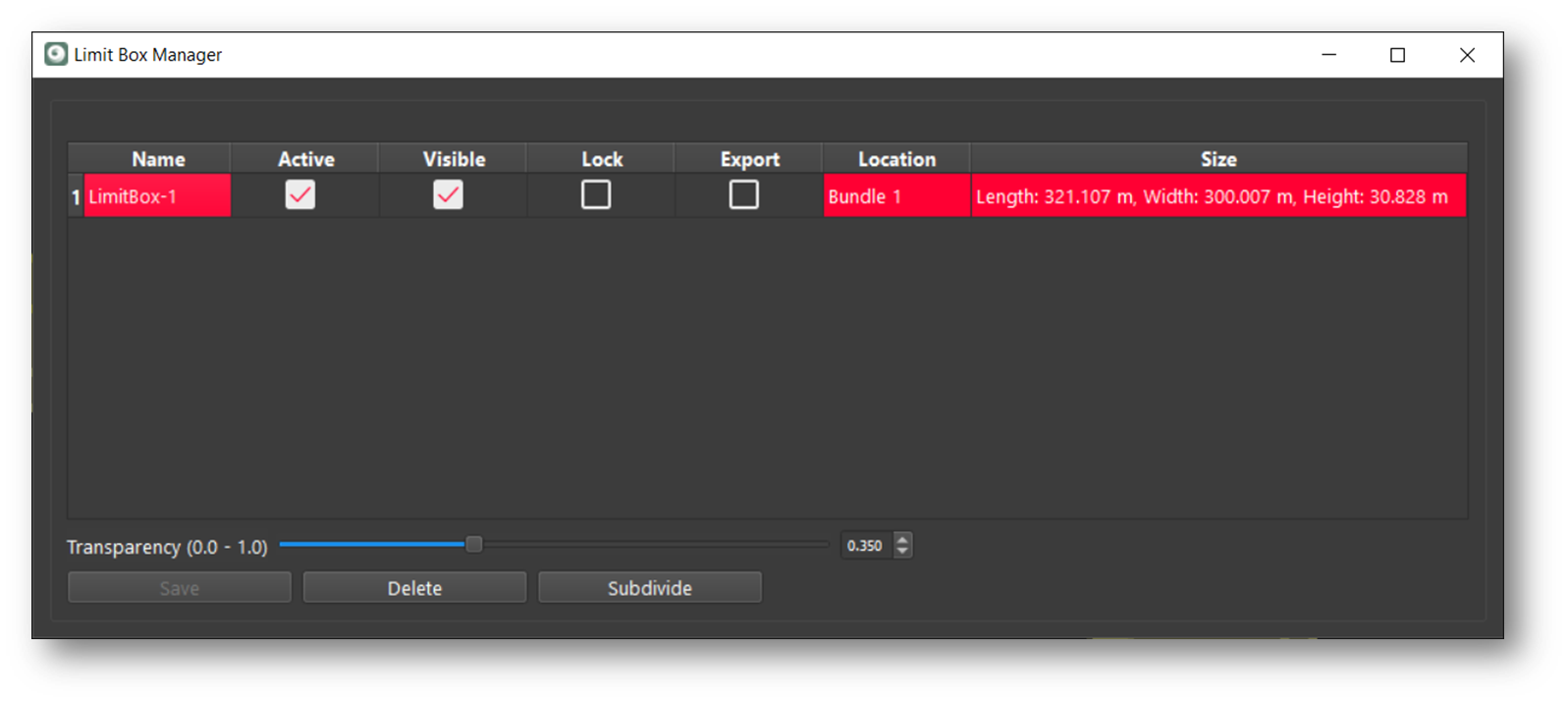
-
Specify the number of sections for the height, length, and width.
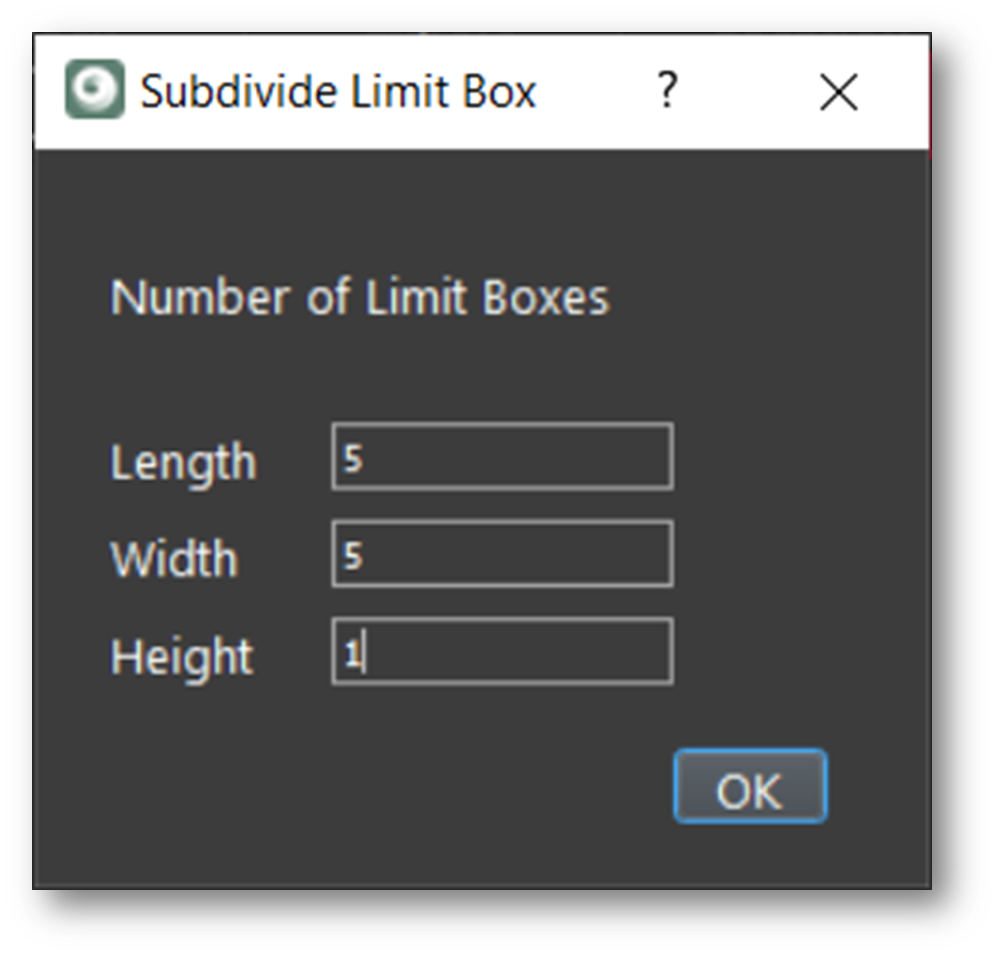
-
The Limit Box is then divided and stored.
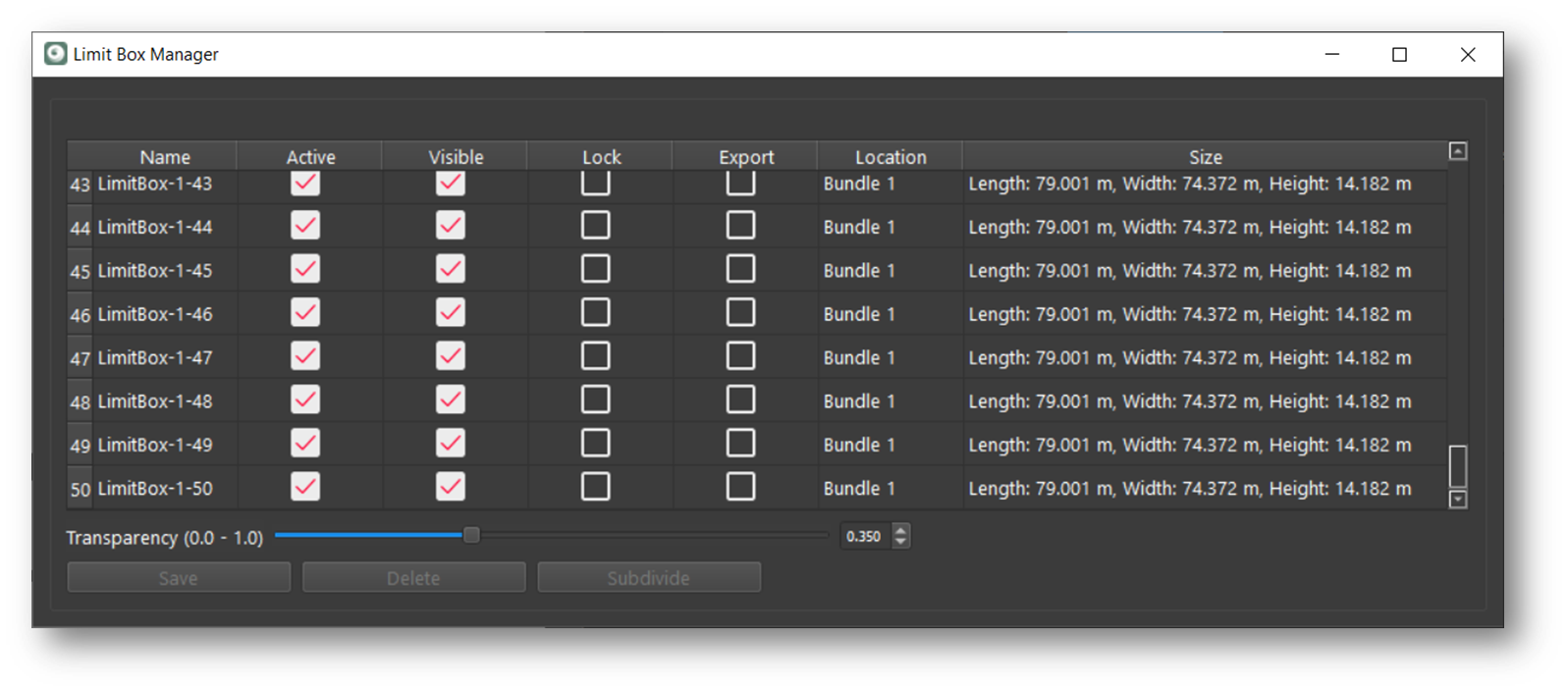
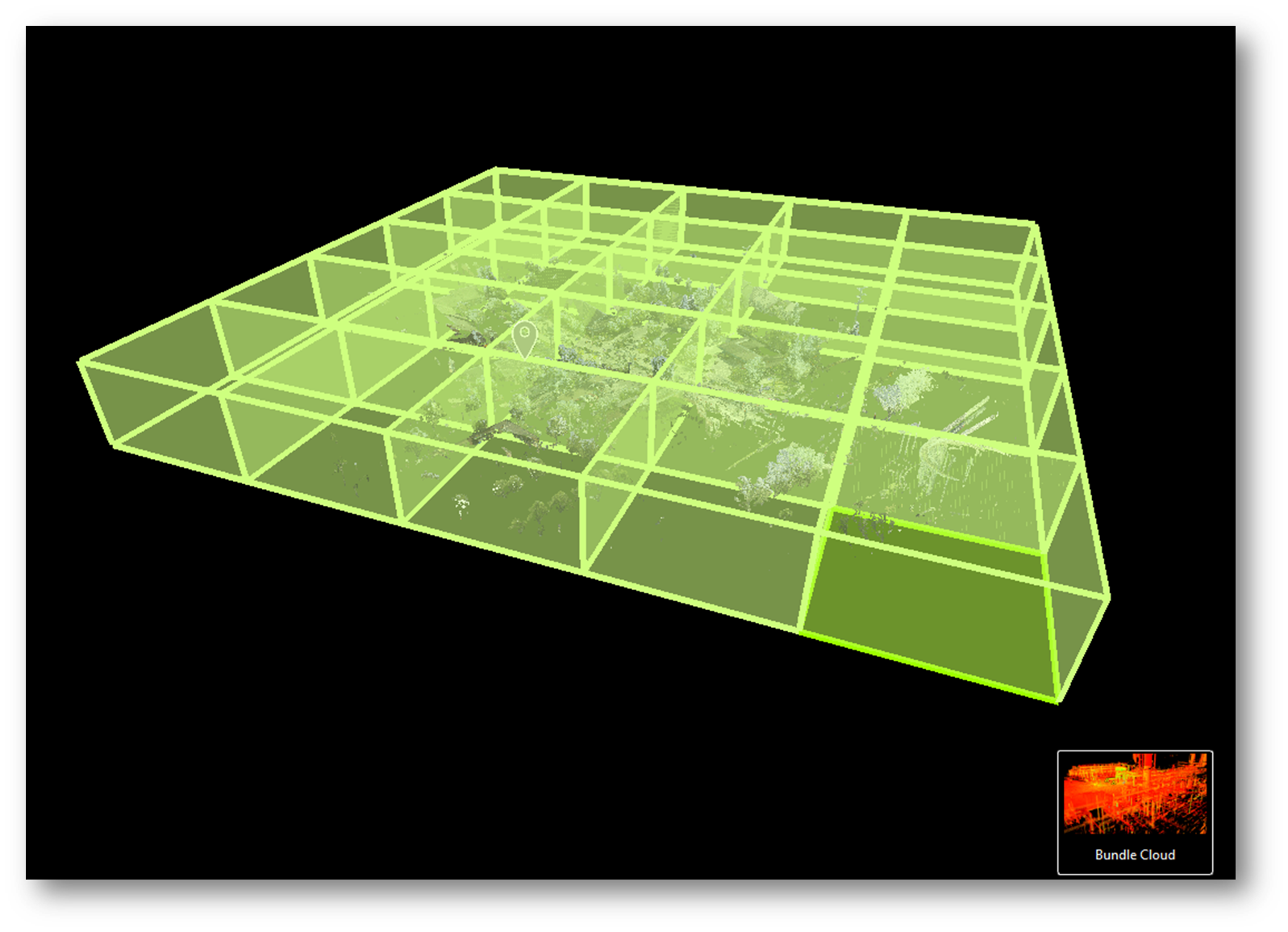
The newly created subdivided Limit Boxes are added to the Limit Box Manager with names based on the original Limit Box (e.g., LimitBox-1, LimitBox-2). This feature helps manage projects by dividing them into equal parts. This update enhances project management flexibility in Cyclone REGISTER 360 PLUS.
Systematically subdividing a large 3D reality capture dataset and publishing to single files can have several benefits, such as:
-
It can reduce the size and complexity of the dataset, making it easier to process, store, and share.
-
It can improve the quality and accuracy of the dataset, as each file can be captured and annotated with more detail and precision.
-
It can enable the use of different tools and methods for different types of data, such as point clouds, meshes, textures, etc.
-
It can facilitate the creation and update of a digital twin of the physical environment, which can be used for various applications such as planning, design, construction, operation, and maintenance.
Note: the total number of Limit Boxes cannot exceed 100.