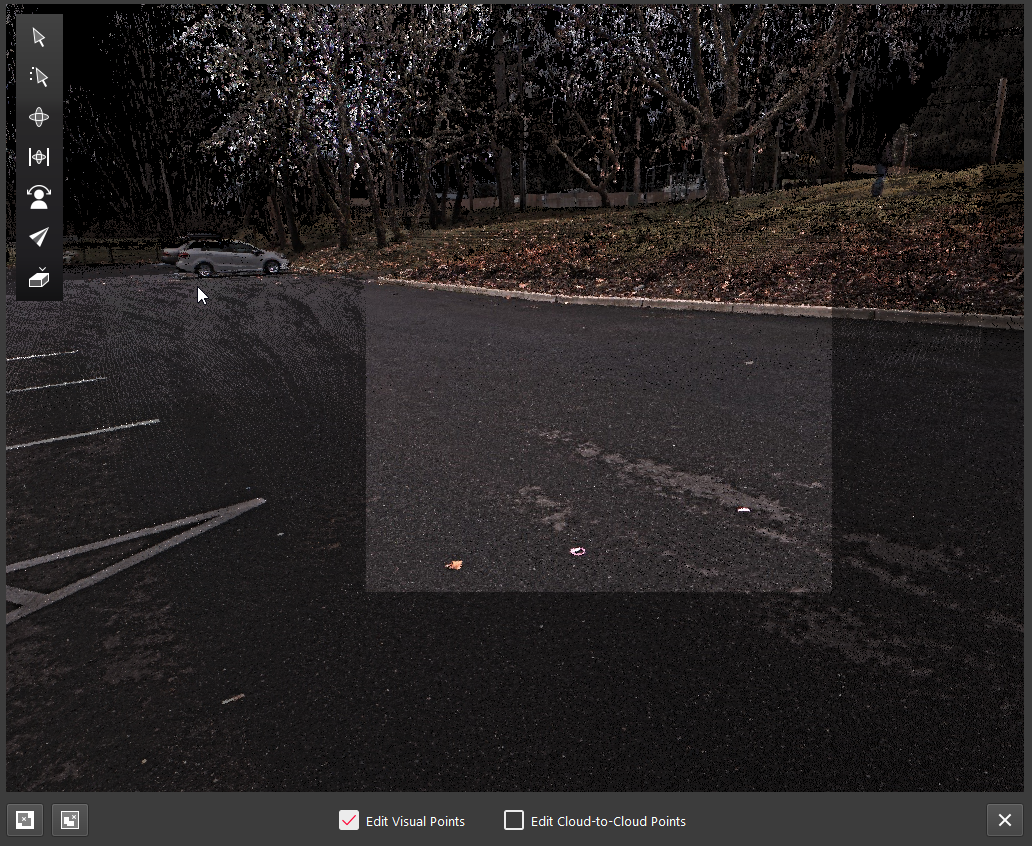
To clean points in the Setup Cloud or Bundle Cloud view, the user should follow the steps below:
-
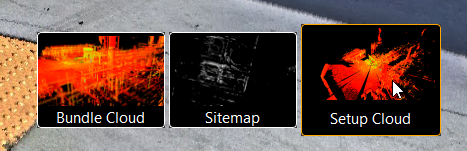
Enter into the Setup Cloud or Bundle Cloud view.
-
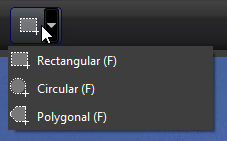
Click the Fence tool on the top toolbar and draw a fence around the desired area.
-
Select to either delete the cloud visually, from the Cloud-to-Cloud cloud, or both (see options below in the image). Points can be deleted either outside or inside of the fence.