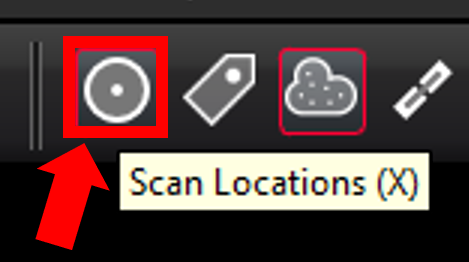
Users can show and hide all the individual setup locations by selecting the Scan Locations button.
Alternatively, Selected Setups can be hidden or shown from the left side explorer panel:
-
Select one for more setups.
-
Right-click and use the toggle- Show/Hide Setup (s) Clouds.

-
Or click the Show/Hide Setup Clouds button on the action bar.