
Cyclone FIELD 360 License Creation in MyWorld
(for holders of permanent Cyclone REGISTER 360 PLUS BLK ed, Cyclone REGISTER 360 PLUS, Cyclone 3DR AEC or Cyclone 3DR PRO licenses)
Overview
If you own a permanent Cyclone REGISTER 360 PLUS BLK Ed, Cyclone REGISTER 360 PLUS, Cyclone 3DR AEC or Cyclone 3DR PRO license, you can create your Cyclone FIELD 360 Basic license directly in MyWorld using a self‑service option.
This process allows you to continue using Cyclone FIELD 360 while managing all licenses centrally in MyWorld.
Who is eligible
You can create a Cyclone FIELD 360 license in MyWorld if:
-
You own a permanent license for one of the following products:
-
Cyclone REGISTER 360
-
Cyclone REGISTER 360 PLUS
-
Cyclone REGISTER 360 PLUS BLK Edition
-
Cyclone 3DR AEC
-
Cyclone 3DR PRO
-
-
Your license is visible in MyWorld
-
You have access to a MyWorld account with permission to manage licenses
Important to know
-
Your desktop license remains unchanged and fully valid
-
Cyclone FIELD 360 is created in addition to your desktop license
-
The creation option is available once per eligible desktop license
-
License management for Cyclone FIELD 360 is done exclusively in MyWorld
How to create your Cyclone FIELD 360 license
-
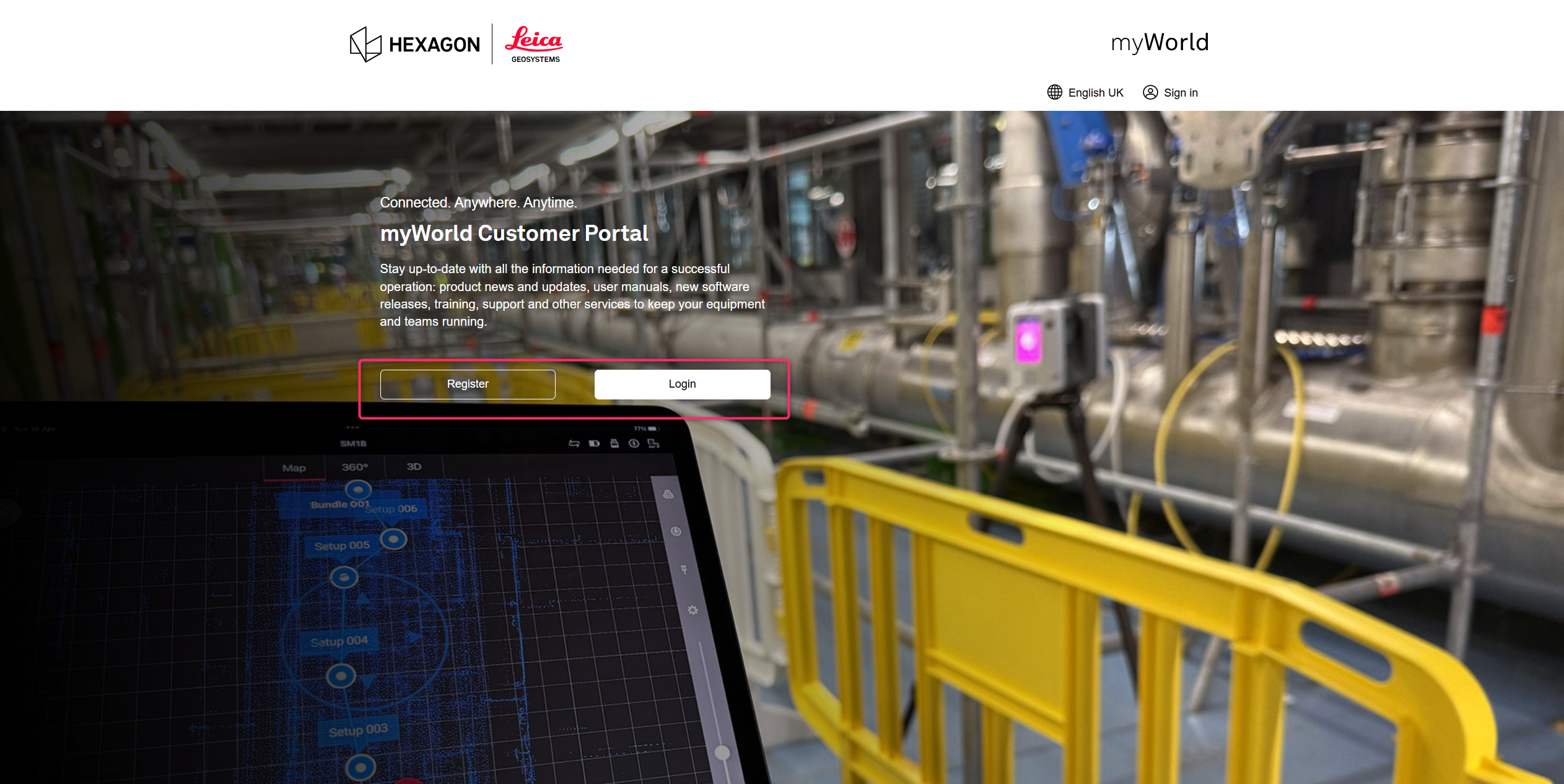
Sign in to MyWorld https://myworld-portal.leica-geosystems.com/s/
Log in using your existing MyWorld credentials. Or create a new MyWorld account. Please read the following Knowledge Base article How to Register a new User for the MyWorld Customer Portal
-
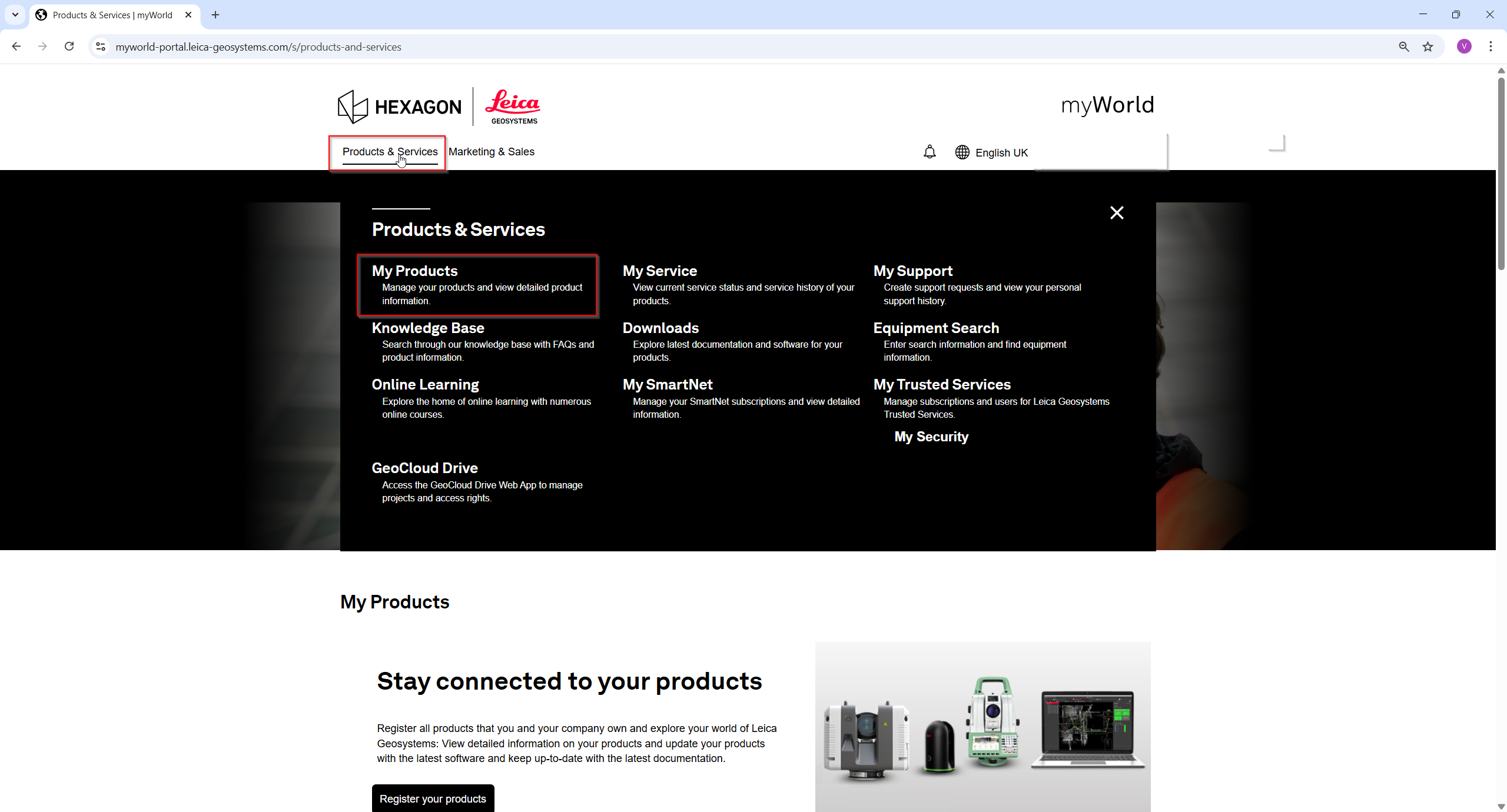
Go to My Products
Navigate to the section where your Cyclone REGISTER 360 or Cyclone 3DR licenses are listed.
-
Select or add your permanent desktop license
Eligible licenses will display an option to create a Cyclone FIELD 360 license. -
Start the license creation
Follow the on‑screen instructions and accept Terms and Conditions to generate the Cyclone FIELD 360 license. -
License added to your account
Once completed, the Cyclone FIELD 360 license will automatically appear in your MyWorld account and can be checked out as needed.
Using Cyclone FIELD 360 after license creation
-
Install or update Cyclone FIELD 360 to a MyWorld‑enabled version 7.0
-
Sign in to the app using your MyWorld account
-
The license will be checked out automatically when you start working
No reinstallation of desktop software is required.
Frequently asked questions
Does this affect my REGISTER 360 or 3DR license?
No. Your permanent desktop licenses remain fully valid and unchanged.
Is this a migration of my desktop license?
No. This process creates a Cyclone FIELD 360 license based on your existing entitlement. Your desktop license is not converted or replaced.
Can I create multiple FIELD 360 licenses from one desktop license?
No. The creation option is available once per eligible permanent desktop license. [Licensing...yWorld (1) | PowerPoint]
Do subscription desktop licenses qualify?
No. Only permanent Cyclone REGISTER 360 and Cyclone 3DR licenses are eligible for this process.