
AUTOCAD PRO bricscad pro ULTIMATE
Orientation | Workplane | Change Origin
Command Line
-
AutoCAD / BricsCAD: CWWORKPLANE | ORIGIN
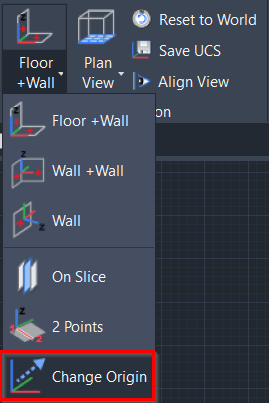
This command changes the origin (0,0,0) of the UCS from a user-defined pick on the point cloud.
Using the Tool
Note: Before using the tool, ensure the Snap to Node setting is enabled by typing OSNAP at the CAD command line.
To change the origin of the UCS from a pick point, follow the steps below:
-
Activate the tool using any option below:
-
Select Change Origin from the Workplane menu in the Orientation panel.
-
Type a command line prompt specific to the preferred CAD system and press ENTER.
-
-
When prompted to Pick origin, select a point on the point cloud to define the new origin. The origin icon will move to the desired location.