Orientation | Save UCS
Autocad basic autocad pro bricscad basic bricscad pro ultimate
This command saves the current UCS to the list of coordinate systems.
Using the Tool
To save the current UCS, follow the steps below:
-
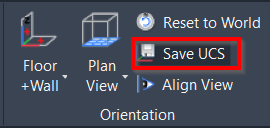
When a UCS is created, click Save UCS in the Orientation panel.
-
When prompted to name the UCS, specify the new name for it at the CAD command line and press ENTER.
-
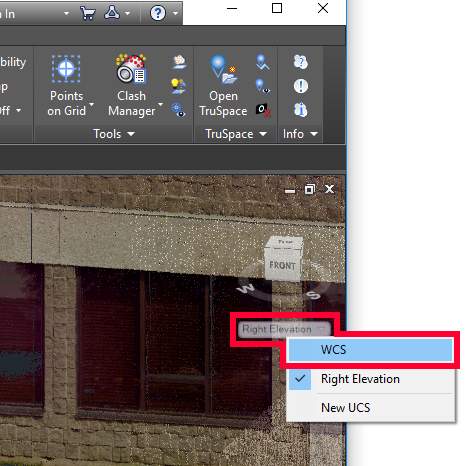
The new UCS is now saved and added to the drop-down list of coordinate systems available below the View Cube.
-
-
To switch between coordinate systems, simply select the necessary one from the drop-down list.