
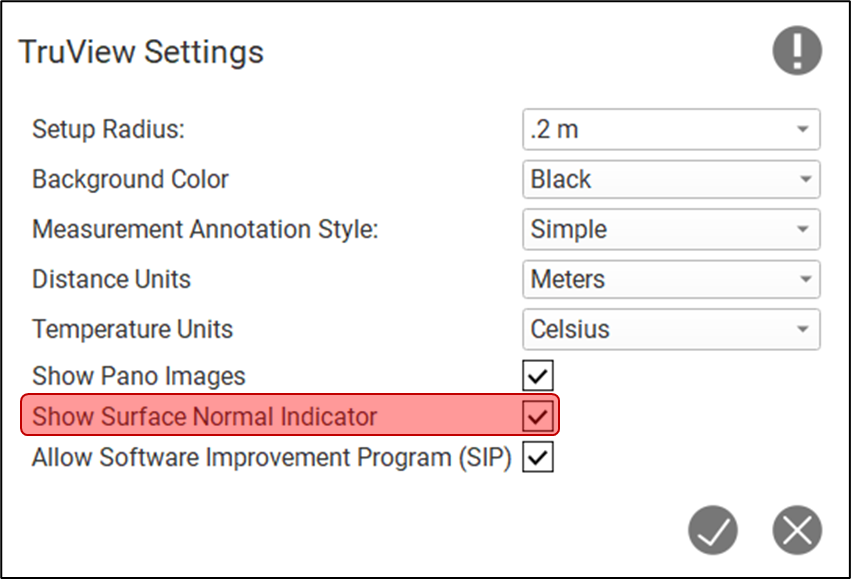
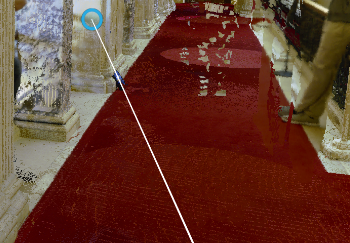
Within the Settings dialog, users can adjust a global setting which turns the Measurement Surface Indicator ring On or Off. The default state of this setting is On. With certain kinematic data types like BLK2GO the depth map included in the project can cause the Surface Indicator to jump around and making picking difficult. In this case it is advised that you turn the Surface Indicator Off.
|
Surface Normal Indicator On |
Surface Normal Indicator Off |
|---|---|
|

|