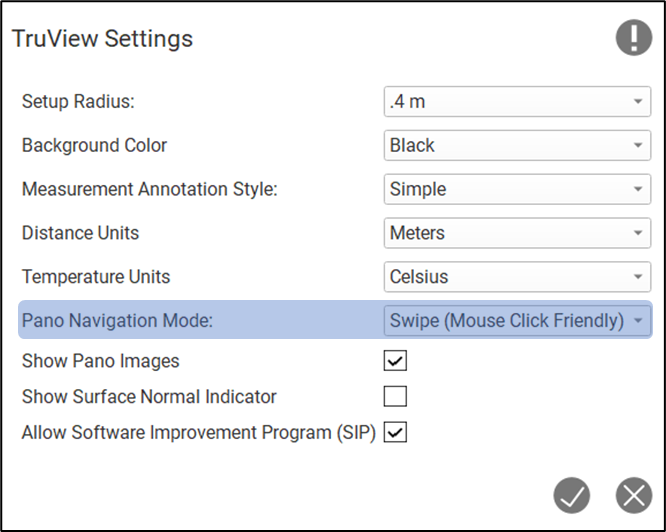
This setting can be used to switch between navigation modes while exploring pano images.
Swipe: A mouse friendly navigation experience. Moving the mouse right or left will pan in the same direction respectively.
Drag: A touch screen friendly navigation experience. Move your finger to the right will pan left. Moving your finger to the left will pan right.