
Control Points by Rule
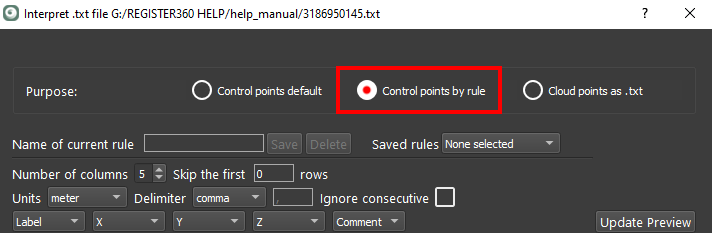
When selected, this option allows the user to select the formatting for the control file.
Select the desired formatting for each column (i.e. Label, X, Y, Z, and Comment):
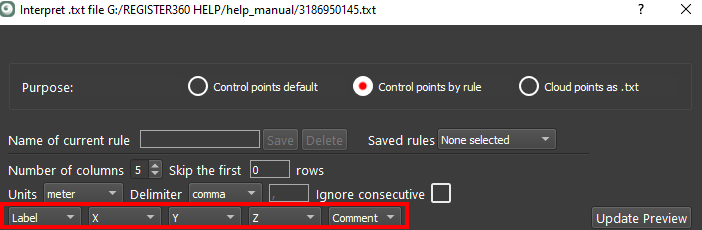
Optionally, set the units, delimiters, and skipping consecutive delimiters.
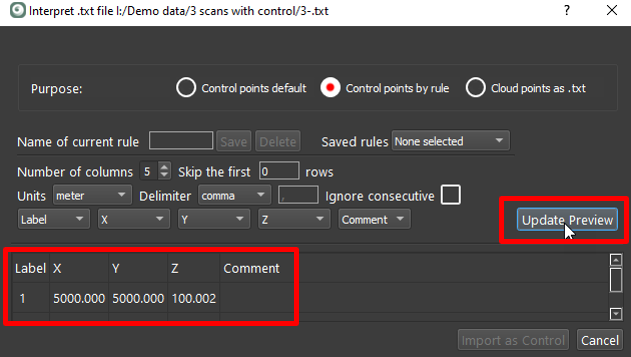
Click the Update Preview button to view the selected formatting:
Once verified, name and then save a rule:
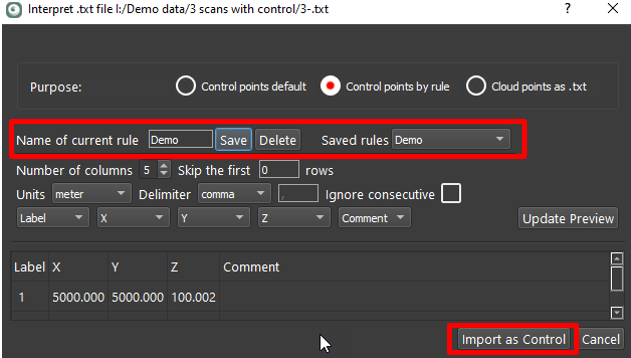
Once the rule is saved, the Import as Control button will enable. Click the Import as Control button to finish the process. The control file will now be ready for import under the Control tab in the import area.
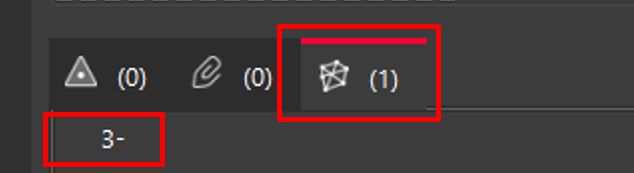
One control file is now present in the project.