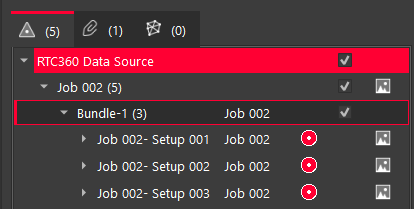
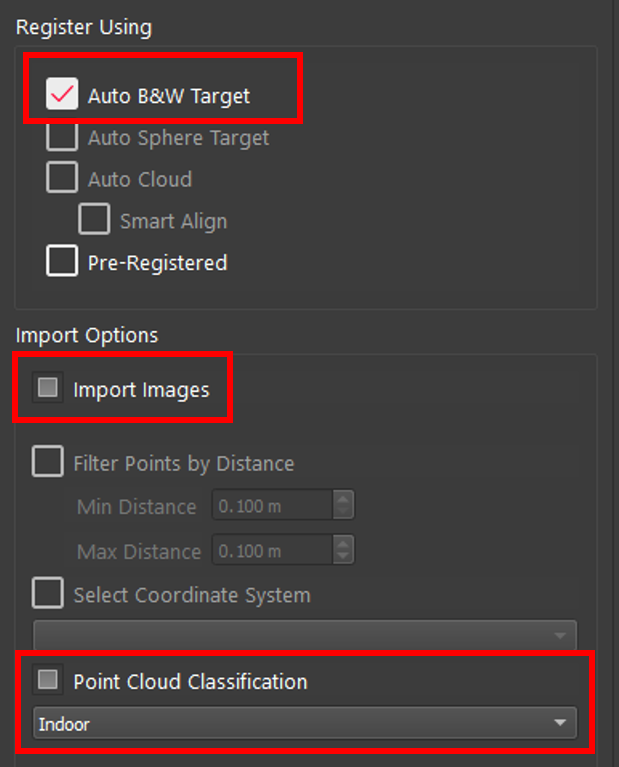
It is possible to have different settings for each Setup, Bundle, or Project in a single import session. By selecting an object in the Import area, the settings for that object will be displayed on the Properties panel.
If the object selected is, for example, a Project that has Setups with different settings under it, the check box will turn into a filled-in square. As shown below, all Setups have Auto B&W Target selected, but some have Import Images and Point Cloud Classification and none of the Setups have Pre-Registered.