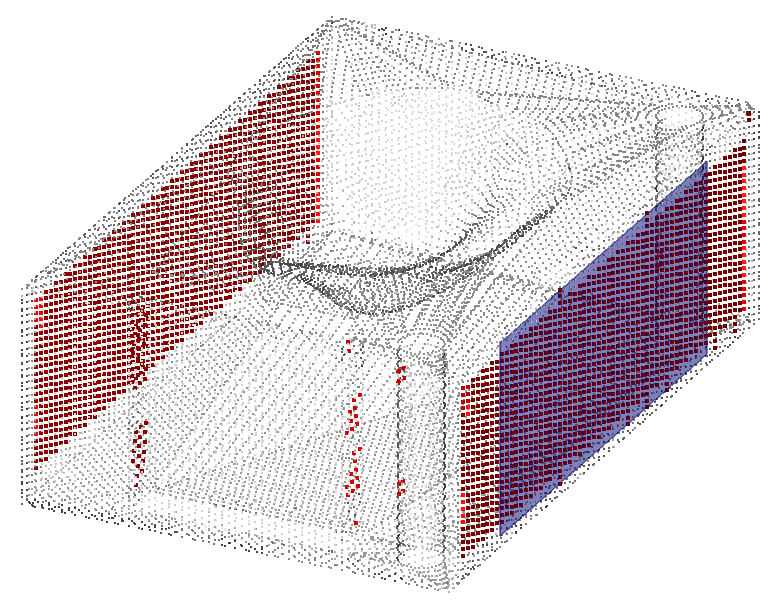
This command explodes one cloud into two parts using the orientation of a selected object.
Requirements
Select a cloud and a surfacic object: surfacic geometry (plane, sphere, cylinder), mesh or CAD surface.
Choose an Angular threshold.
Decide to UseCloud estimated normals, or Use scan directions if any.
Apply a Cleaning distance. With this option, you can remove points located too far from the object.
The selected cloud is divided into two new clouds with different colors. You can choose to keep the two separated parts or only one with the two checkboxes.
Technical information
A point is validated by dropping it onto the surfacic object. The angle that determines if a point is good or bad is the angle between the normal of the surface where the point is projected and the chosen direction (estimated normal, or scanning direction) of the point. An application of using the scanning direction is to filter the points which were scanned at an large angle to the surface.