
AUTOCAD BASIC AUTOCAD PRO bentley REVIT navisworks bricscad basic bricscad pro ULTIMATE
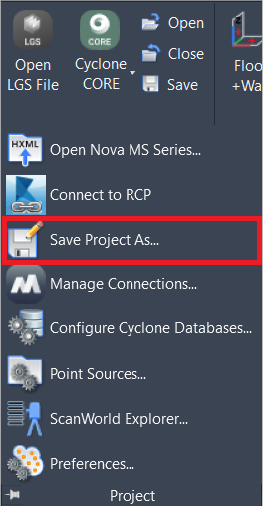
Project | Save Project As
Command Line
-
AutoCAD / BricsCAD: CWSAVEAS
-
MicroStation: CloudWorx Saveas
This command allows the user to save the current CloudWorx project as a copy by changing its name and/or location.
Using the Tool
To save the current project as a new file:
-
Click Save Project As in the Project panel or type a command line prompt specific to the preferred CAD system and press ENTER.
-
In the Save CloudWorx Project to dialog that appears, set the file path and its name and click Save.
Notes:
-
The user will continue working in the copy.
-
The copy will be saved to the CAD drawing, replacing the original.