AUTOCAD BASIC AUTOCAD PRO bentley REVIT navisworks bricscad basic bricscad pro ULTIMATE
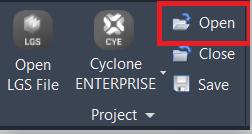
Project | Open
Command Line
-
AutoCAD / BricsCAD: CWOPEN
-
MicroStation: CloudWorx Open
This command is used to open a previously saved CloudWorx project file. The project information will be saved in the current drawing.
Note: This command will close any open CloudWorx project and overwrite the project information saved in the drawing.
Using the Tool
After running the command:
-
A Windows browser opens to select a CWPRJ file.
-
Then, the associated cloud data will be loaded with any active clipping applied.
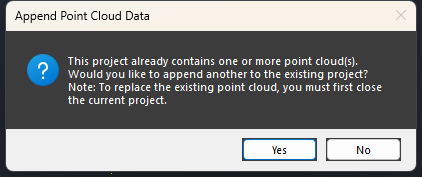
Opening a new DataSource into a project that already has a DataSource loaded (must be the same as the one linked in the CloudWorx project) will prompt the user whether to append the data.
-
Yes will append the additional point cloud data.
-
No will close the dialog.