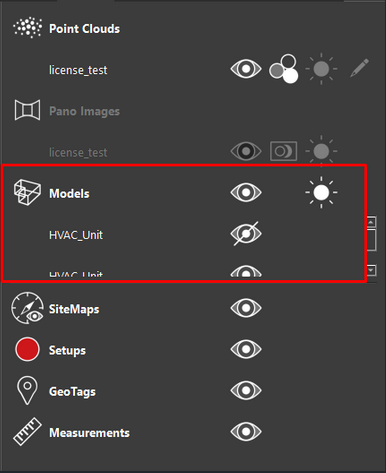
Left click the Model toggle button to toggle the Pano images on/off. Model visibility can toggled for individual models or globally for all models in the project.

-
HotKey: J

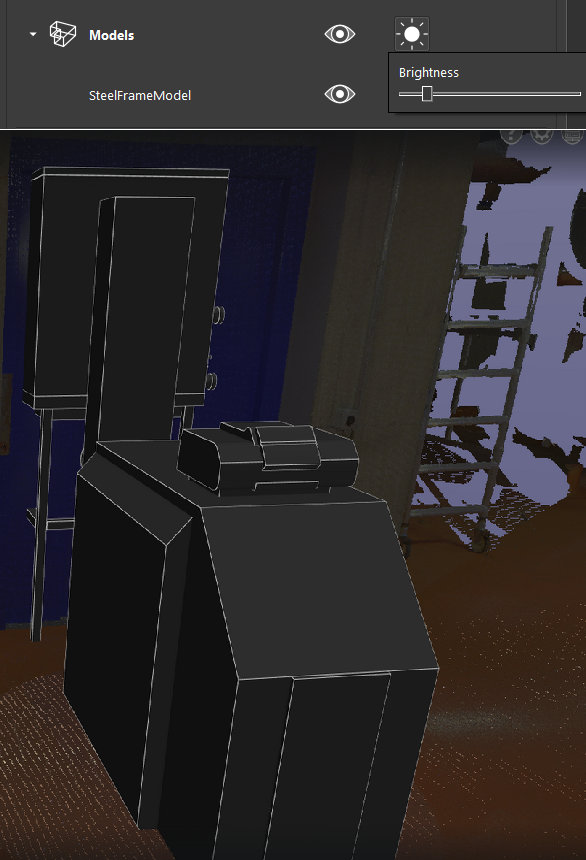
Left click on the model Brightness Slider button to adjust the model brightness. Model brightness can only be controlled for all models globally not for individual models.

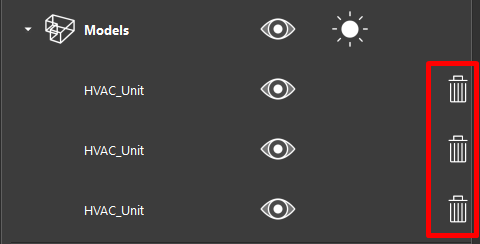
Left click on the Delete button to Delete a model (TruView Desktop only)