
The Apply Vivid Colors To Point Cloud option is available in Publish Options of the Properties panel in the Report area.
When enabled, it allows the creation of a single unified point cloud with vivid colours, from structured data only, which can then be published to a Finalised Deliverable. Unstructured data, such as BLK mobile, is not supported.
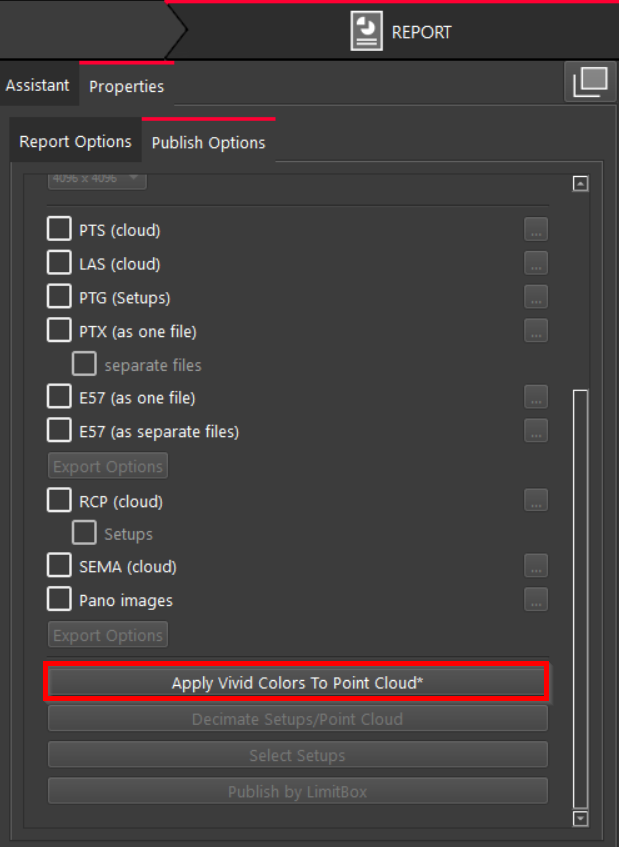
Note: When the option is activated, an asterisk (*) appears at the end of the option name.
Constraints for Vivid Colours
For optimal use of the Vivid Colours feature, ensure that the data conforms to the following constraints:
-
Publishing with vivid colours is only supported for unstructured formats (cloud).
-
The feature does not support any unstructured data, such as BLK mobile or MMS.
-
It cannot be applied to the already created point cloud in a Finalized Registration.
-
It supports creating a candidate registration with static data (i.e. RTC360 and so on). As a result, the created point cloud will be in vivid colours with the Apply Vivid Colors To Point Cloud option enabled.
-
If the registration is a combination of static and mobile data, it will only apply vivid colours to the static scans.