
By Plane allows the creation of a UCS by assigning a plane either X or Y axis, without the assigning of a coordinate like By Pick in the workflow above.
-
Name the UCS.
-
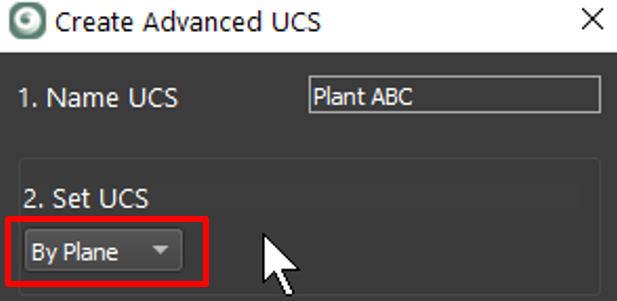
Select UCS creation method By Plane.
-
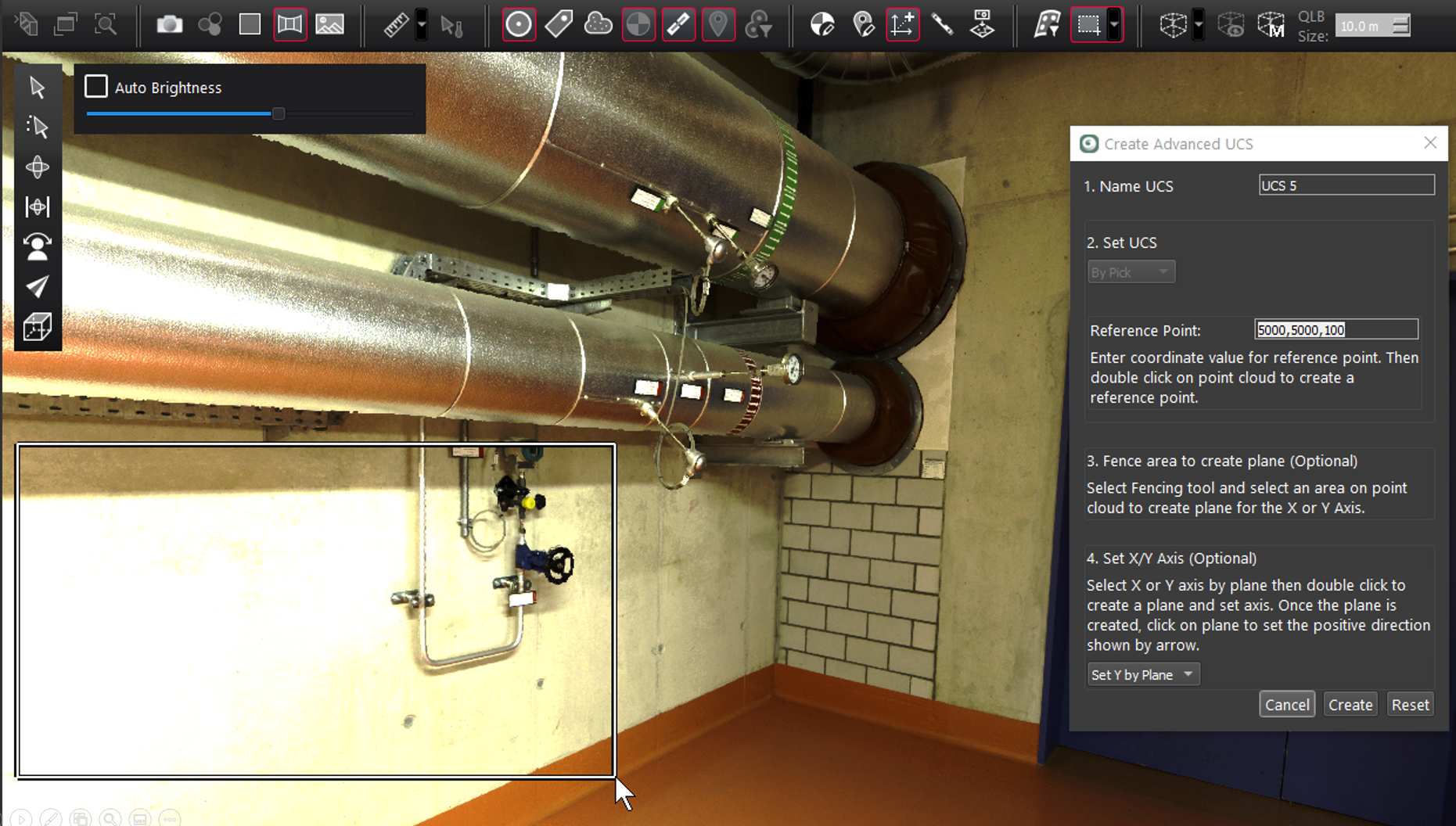
Optionally, fence area to constrain plane creation.
-
Use the fence tool to highlight an area for plane creation.
-
Select X or Y direction to be assigned to the plane.
-
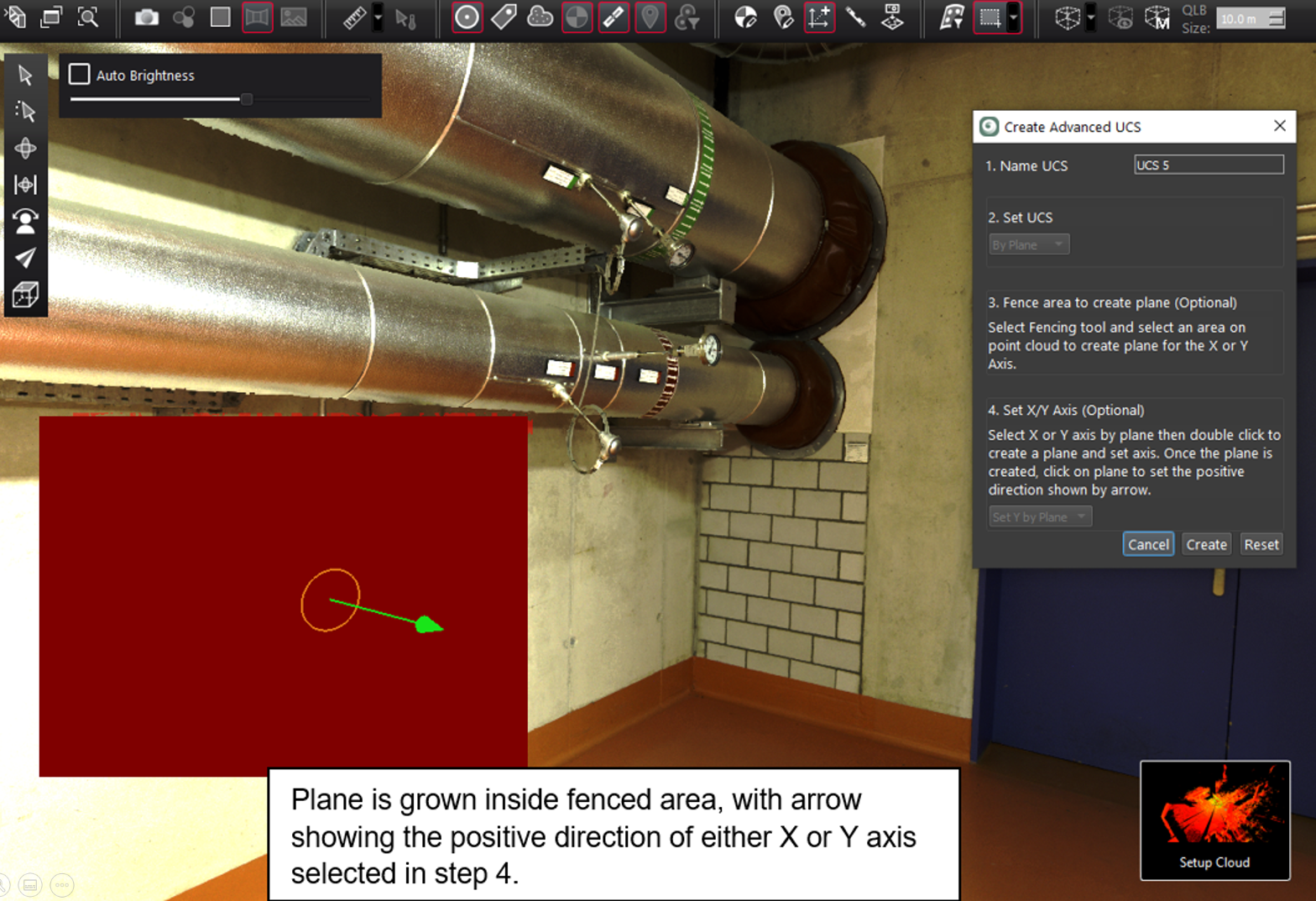
Double click the surface to region grow a plane.
-
-
Single click plane again to set the positive X or Y direction as shown by an arrow.
-
Click Create to finish and create a UCS.