
The Limit Box Manger is used to store the created Limit Boxes.
The created Limit Boxes are temporary and discarded when user switches to a different view mode, unless stored.

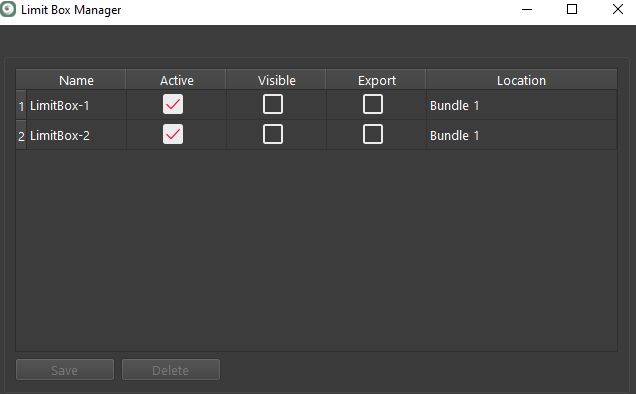
Using the Limit Box Manger, user can save newly created boxes, delete existing boxes, activate clipping functionality, set the visibility and export to options.
-
Active: Limit Box affects point display
-
Visible: Limit Box is rendered in the view
-
Export: Limit Box gets published as a clip to JetStream, if the user possesses a JetStream Enterprise license.
Checking the Export option adds a clip to supported export formats of JetStream and LGS. The Export option does not limit the export to only the points inside of the Limit Box. All point cloud points will be exported with Export option checked or un-checked.
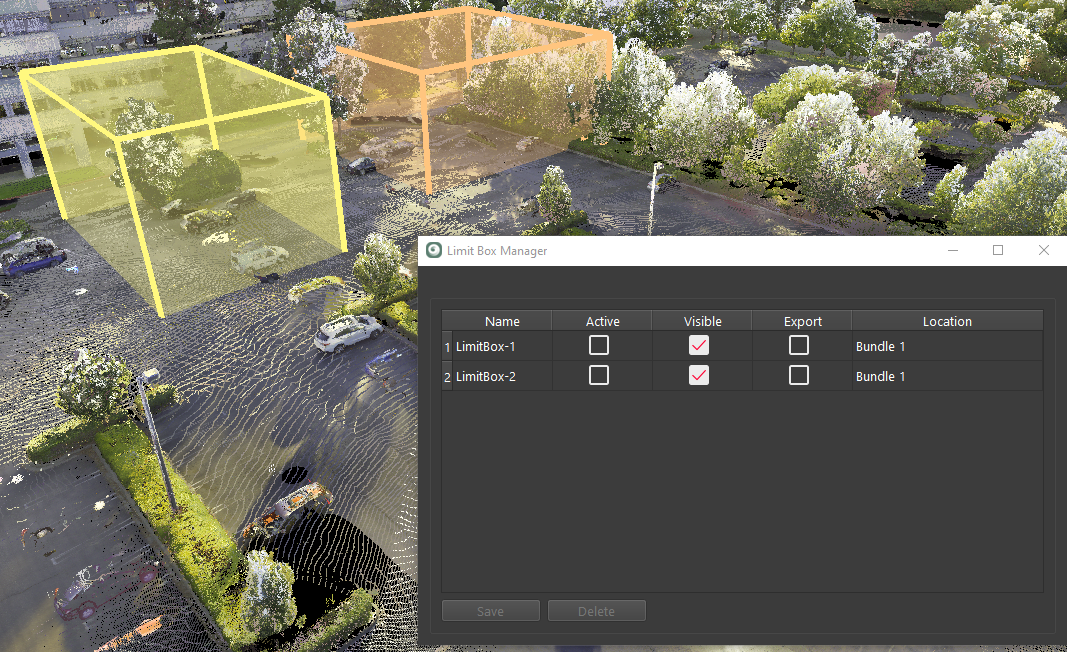
Limit boxes visible, but not active.
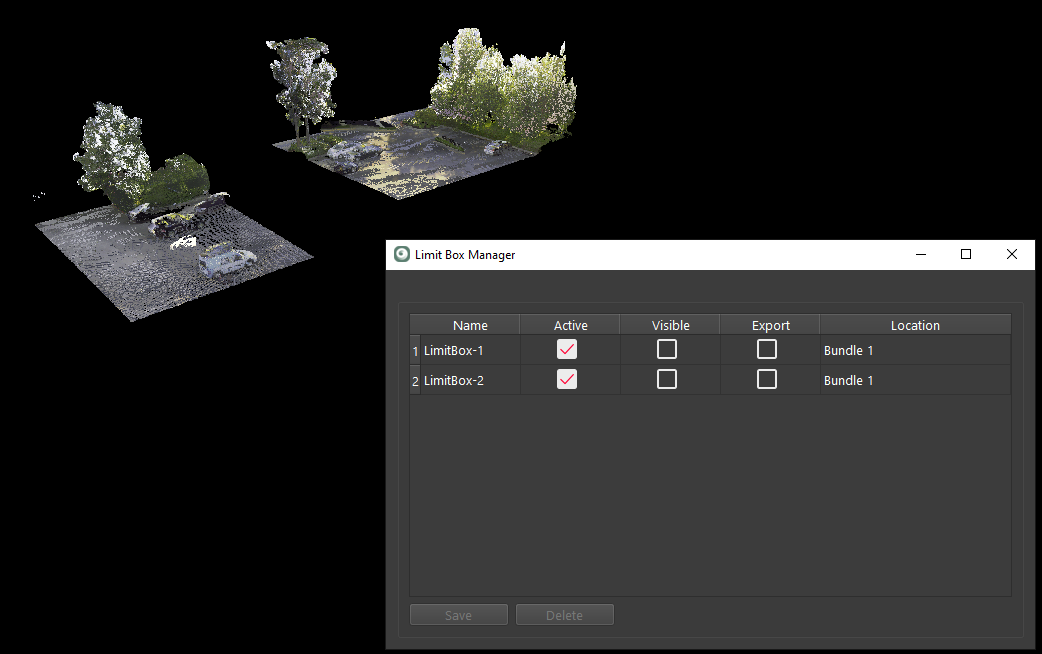
Limit boxes active, but not visible.