-
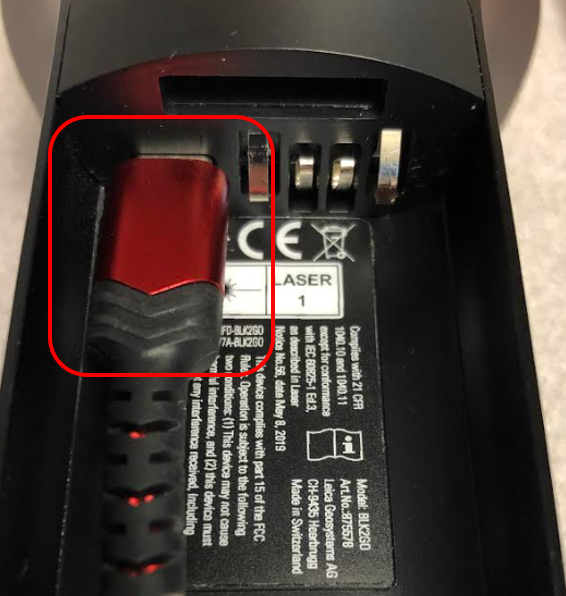
Connect the included cable (USB A to USB C, with a 3 rating) to the scanner. The connection is in the battery compartment of scanner:
-
Connect your scanner to your computer.
-
Continue with data download and import beginning with Step 2 in the Wi-Fi workflow above.
