
Specific options are available in Options panel when you have selected an image, a scene or a table.
|
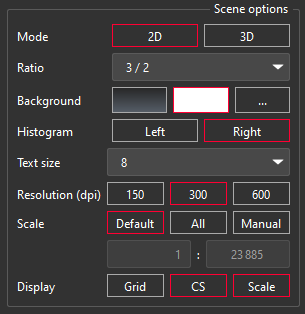
2D scene options:
|
|
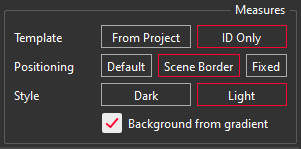
Measures options :
Because of the size and the different ratio of the scene, measures in Fixed Positioning can appear at a different position than in the 3D scene.
|
|
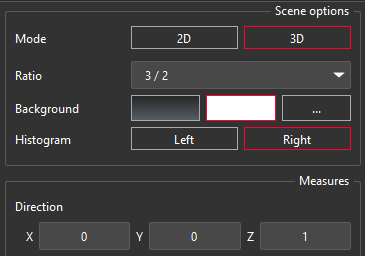
Additional options for 3D Scenes:
Note
Measures are reduced to their names in 3D PDF. Use a labels table to share your results.
Note
Some objects cannot be exported to 3D PDF: refer to Export To 3D PDF. |
|
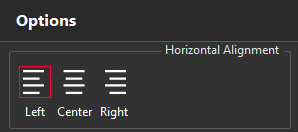
Image options:
Note
The cell width has to be defined in the Template View (drag and drop a vertical border). |
|
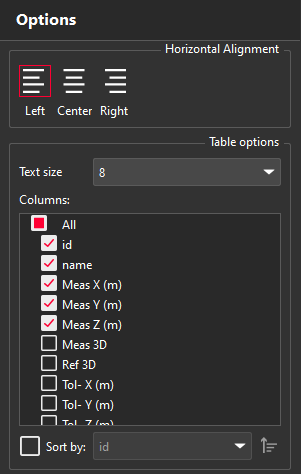
Table options:
You can sort out:
|
|
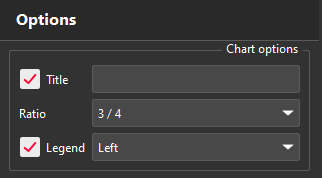
Pie chart options:
|