

Users can measure the diameter of a pipe via a one-click measurement tool. The tool is located in the measurement menu. Once the tool is selected, click on a pipe in the point cloud. The tool will output a diameter in the unit of measurement defined in the TruView settings. If the tool is unable to detect a pipe it will output an error message.
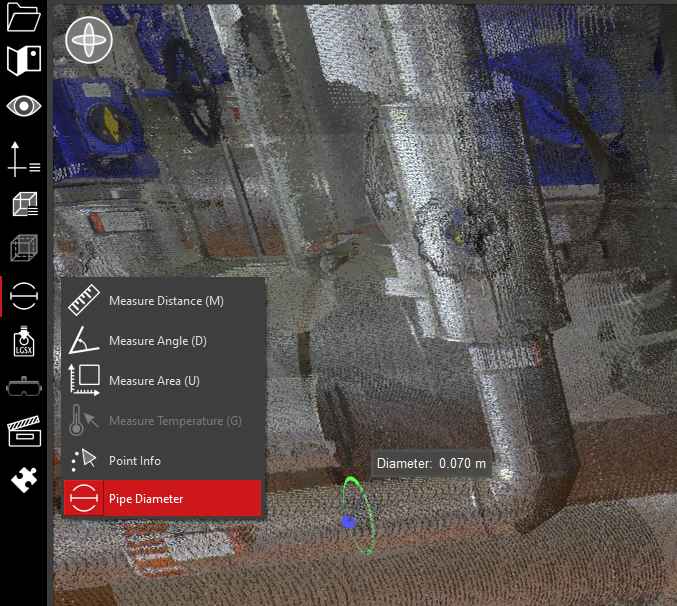
Mouse Control: In Measure Diameter mode, single left click on a cylindrical pipe in the point cloud.