
The directional Ortho View tools will navigate to ortho views to support simple navigation and orientation.
Mouse Control: Left mouse button click on the button to expand the button. Choose the direction which you would like to orient the view to.

Top View: Shift + T
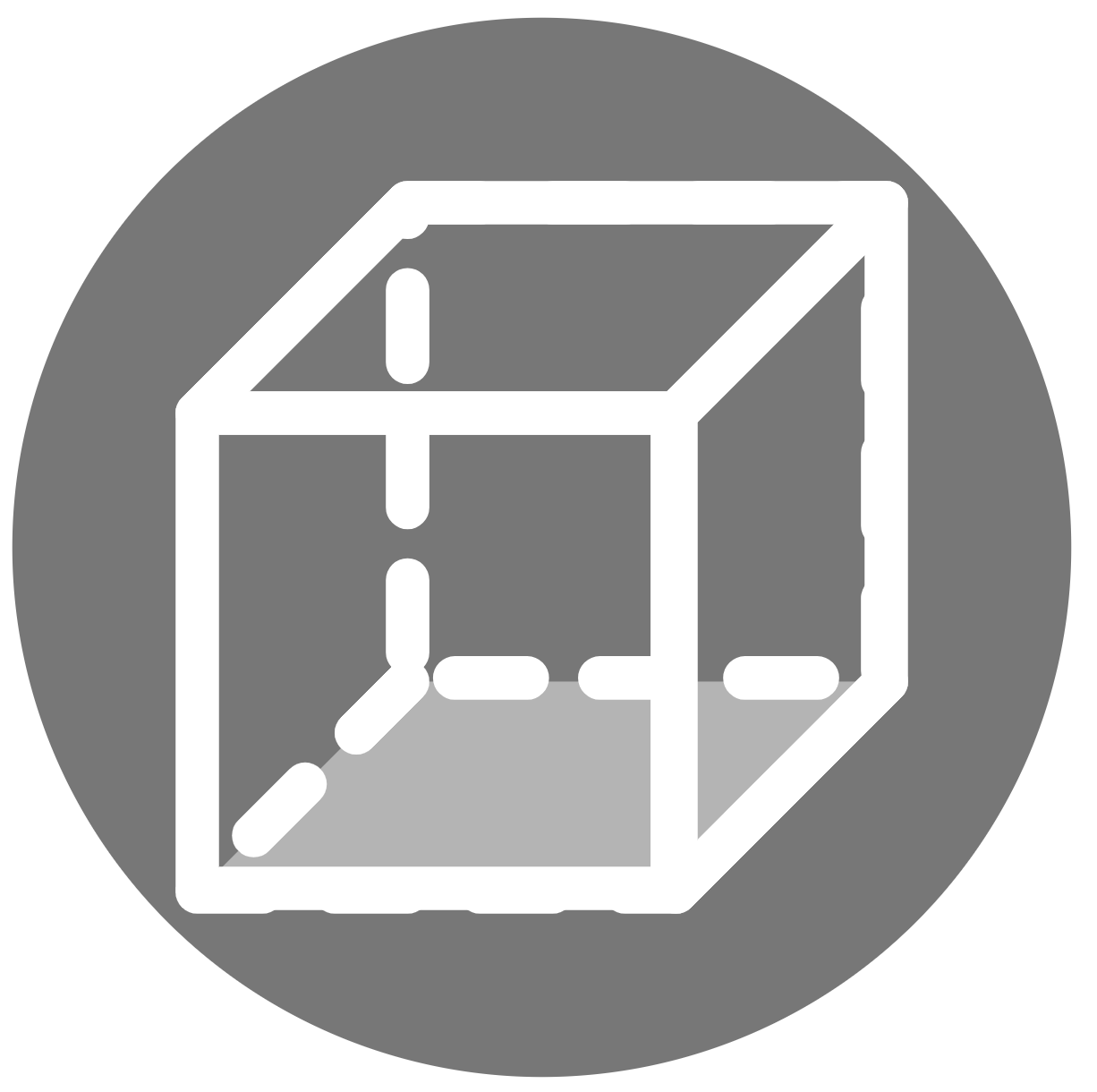
Down View: Shift + D

Left View: Shift + L
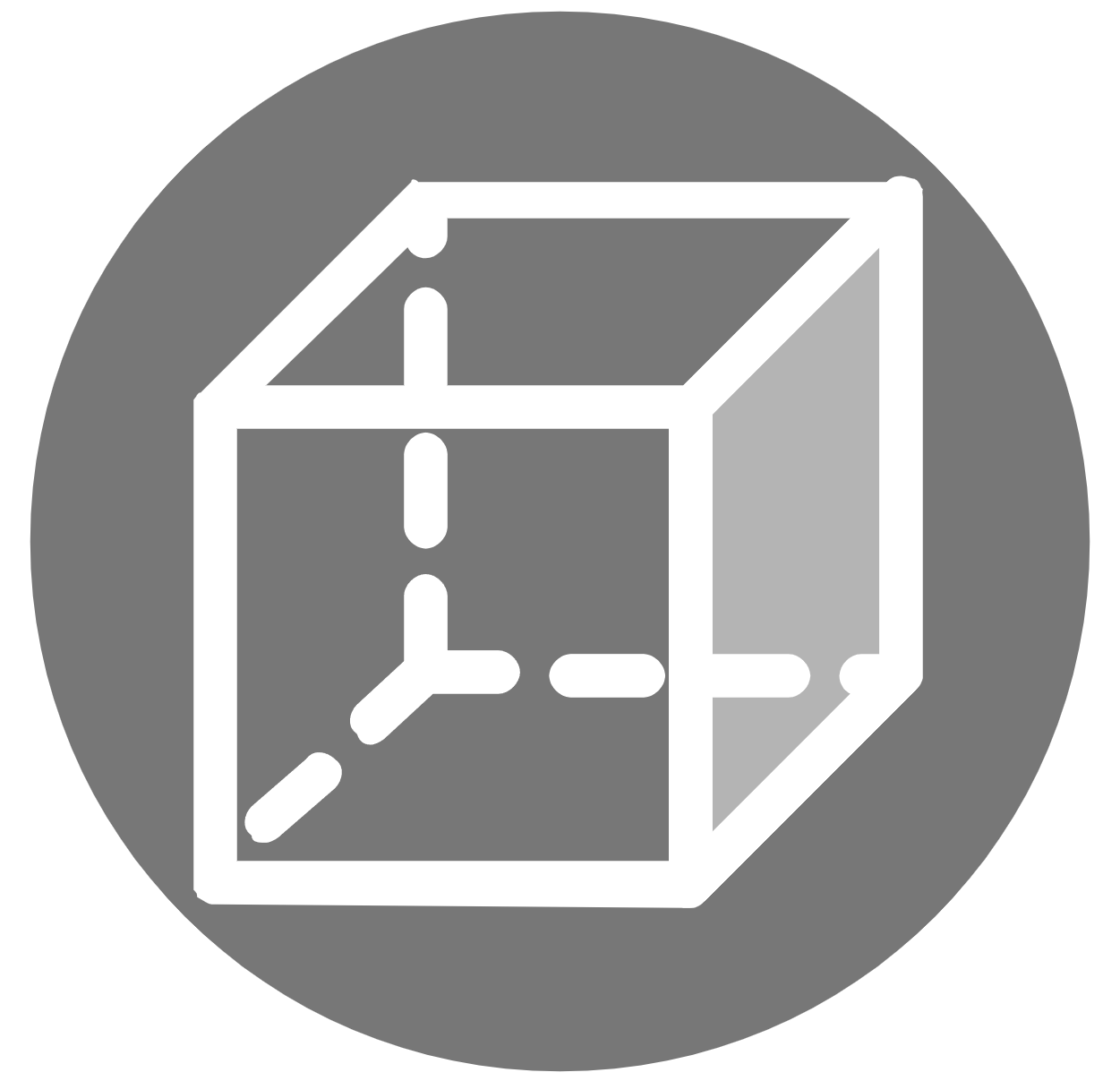
Right View: Shift + R
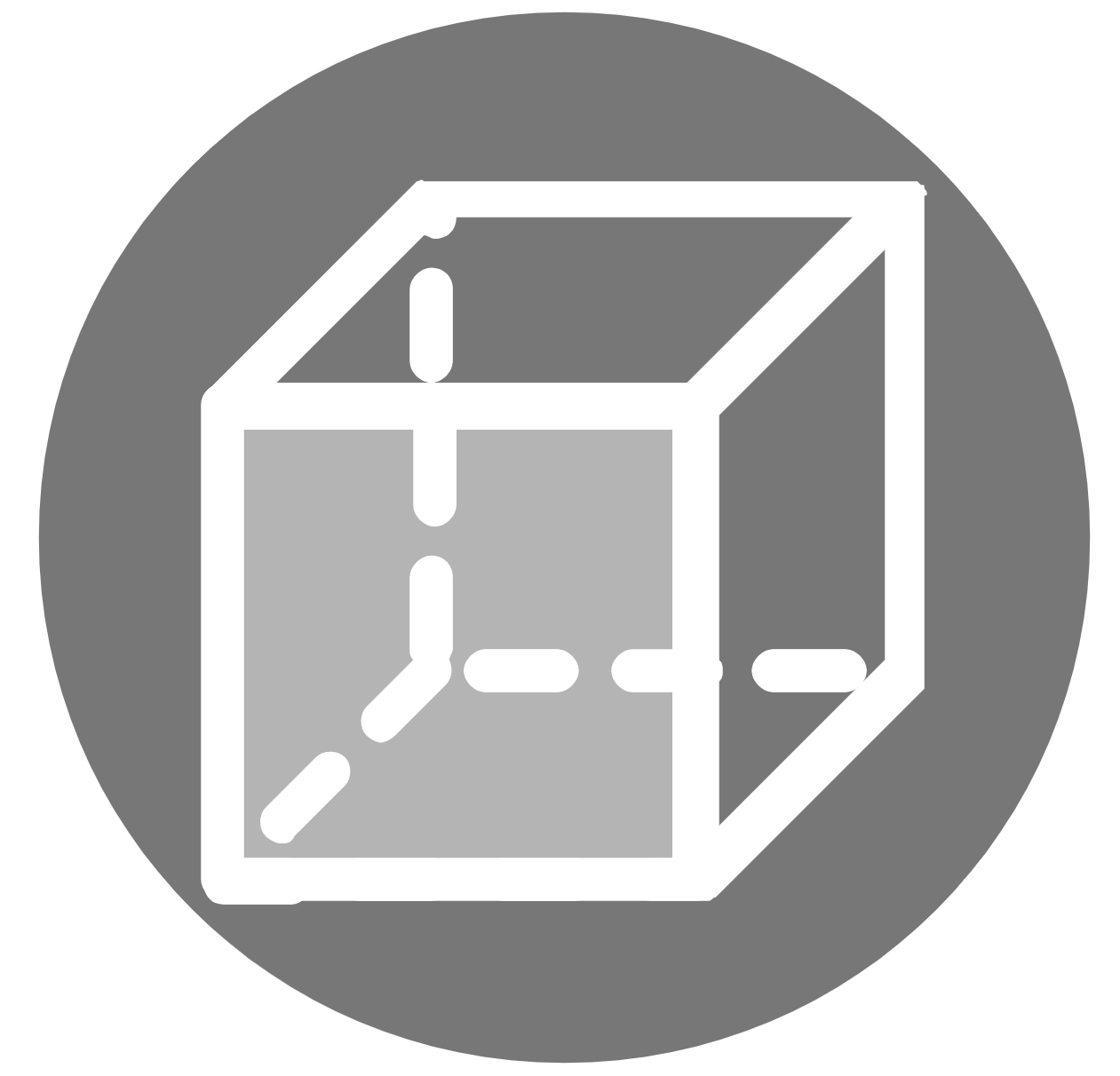
Front View: Shift + F
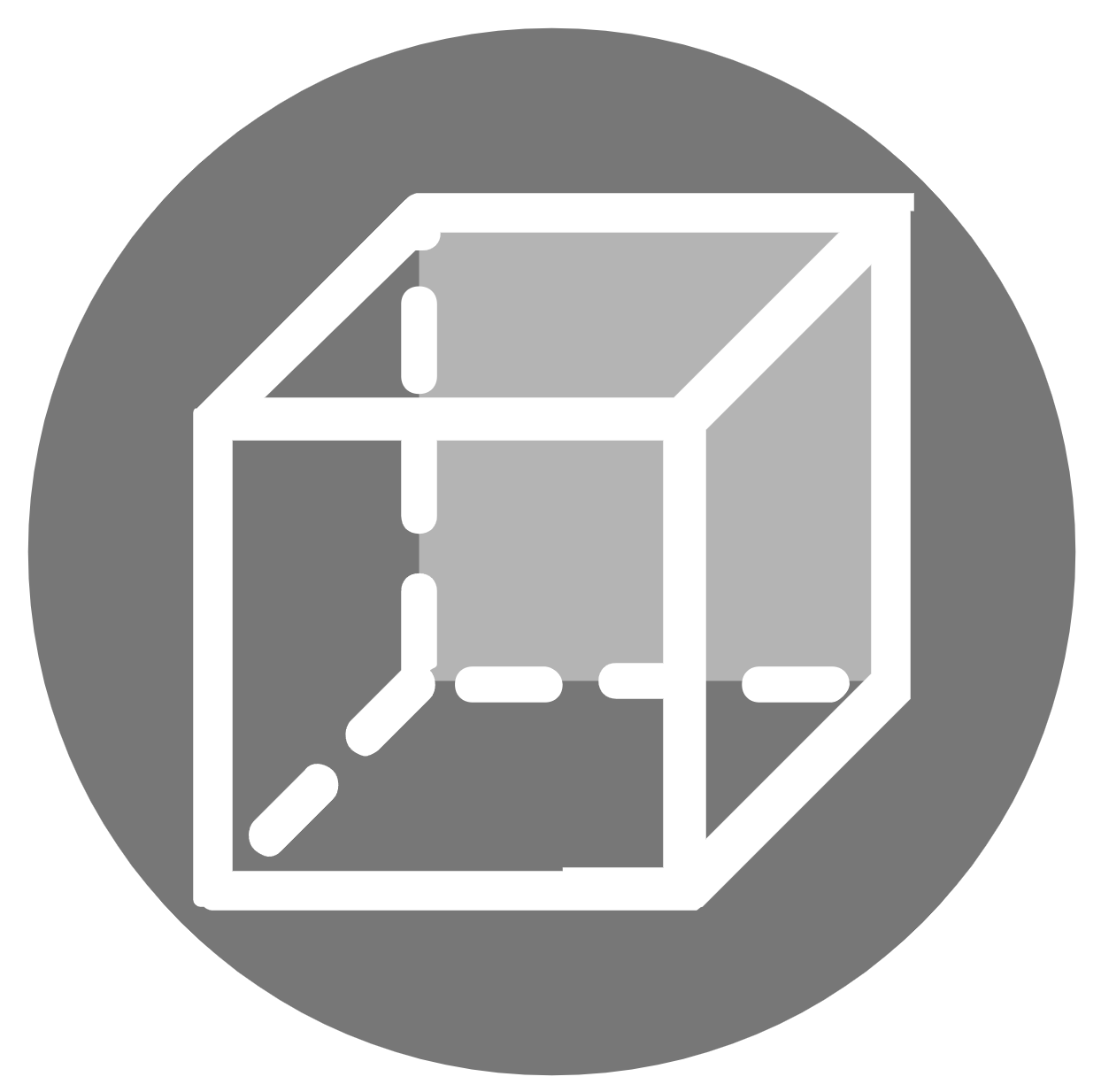
Back View: Shift + B