
This tool can be used to adjust the size of the model.

-
Select the Scale tool.
-
Hotkey D will also initiate the tool.
-
Move the mouse from the center of the model outward to make it bigger.
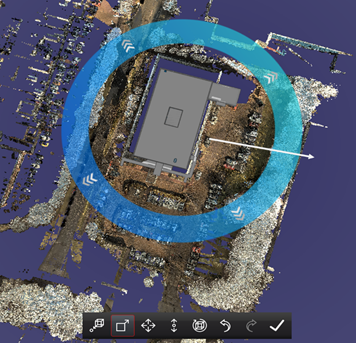
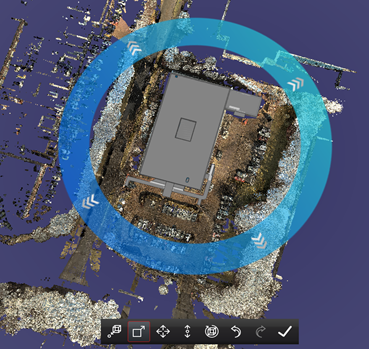
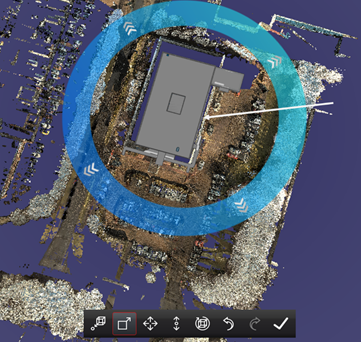
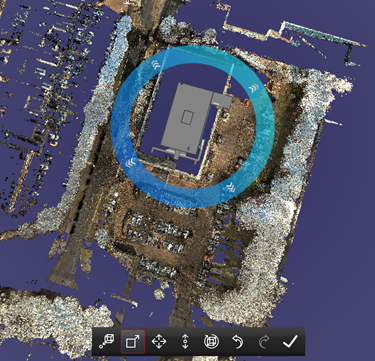
-
The aspect ratio of the model will always remain the same. No distortion will occur.