
The Finalized Registration list may contain multiple Finalized Registrations.
When entering the Report area from the Finalize area and creating a new Finalized Registration, Cyclone REGISTER 360 PLUS will warn the user if a Finalized Registration with the same name exists. If one exists, a dialog will appear. There are two options: Create New or Select Existing.
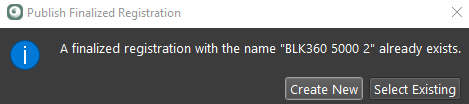
-
Create New will allow the user to create a new Finalized Registration with a name that is not used yet:
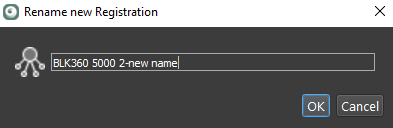
-
Select Existing will allow the user to select an existing registration from a list in a dialog:
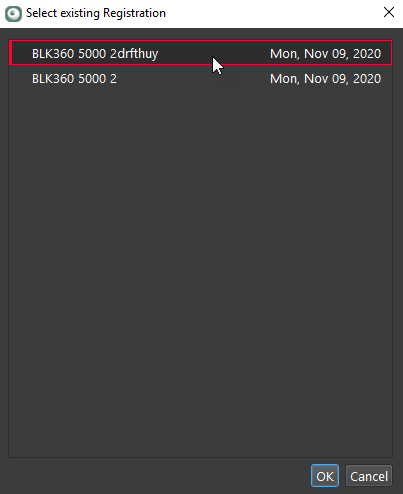
Upon publishing to the final deliverables, the user can choose a desired Finalized Registration if multiple ones exist in the list. Publishing from a selected Finalized Registration to LGSx will retain the registration status for that Finalized Registration and will include the corresponding registration report in the LGSx.