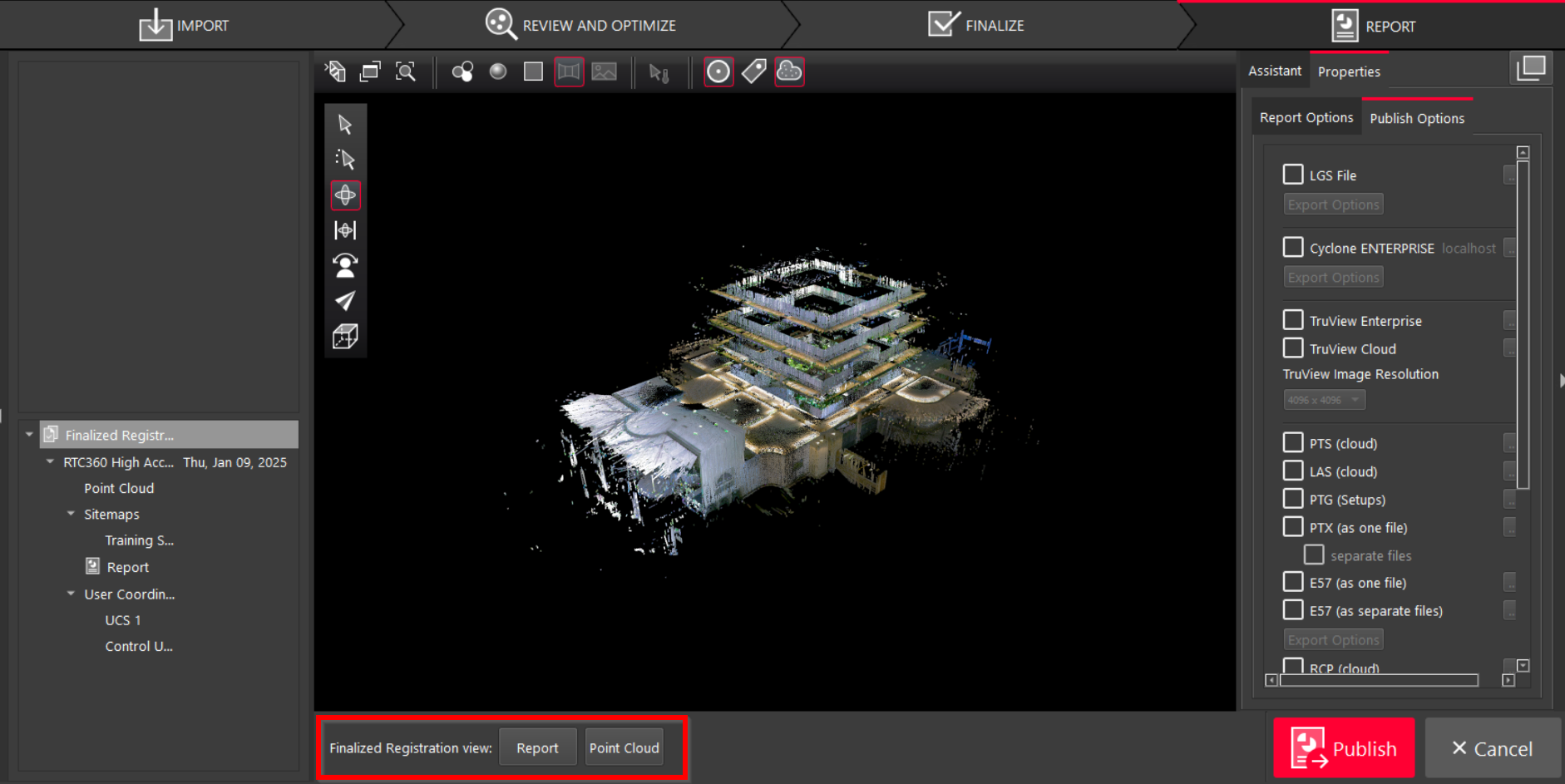
Note: A Finalized Registration is mandatory for being able to publish a project to a deliverable from Cyclone REGISTER 360 PLUS.
To generate a Finalized Registration, follow the steps below:
-
Proceed to the Finalize step and Accept the SiteMap view.
-
In the Report step, a temporary registration is created and listed in the left panel. This registration contains the information for the finalized SiteMap view.
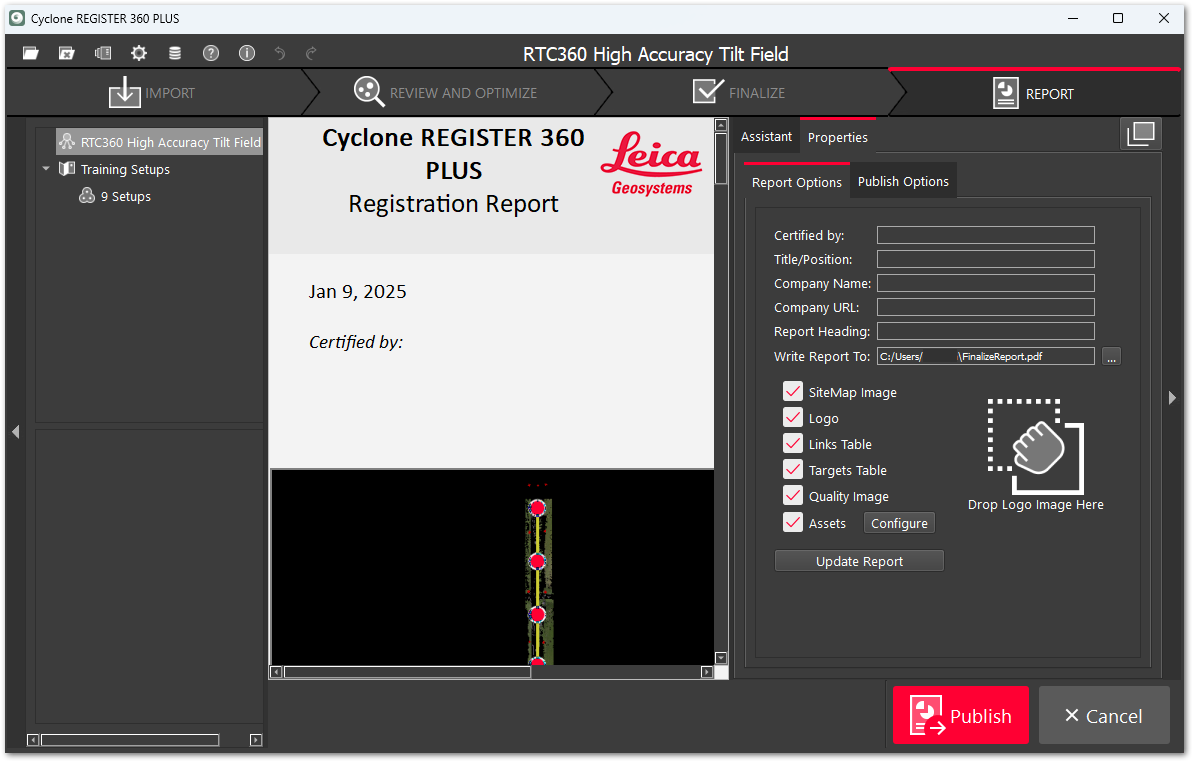
-
From the Report Options, modify the report contents as needed.
-
Click Publish.
After checking the project integrity, a Finalized Registration is created and added to the Finalized Registration list in the left panel.
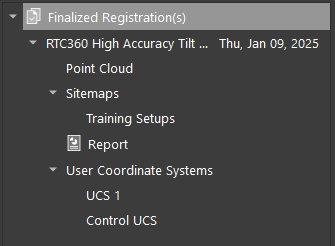
-
Use the Report and Point Cloud buttons to quickly switch the Finalized Registration view and review the created registration report and the corresponding point cloud.