
The user can pick a point on a pipe in the TruSpace viewer and grow it into a CAD cylinder, following the steps below:
-
Launch a TruSpace viewer (see Open TruSpace).
-
Select the cloud point from which the pipe of interest is visible.
-
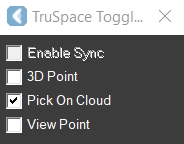
In the TruSpace Toggles dialog, enable Pick on Cloud.
-
Activate the Pipe tool.
-
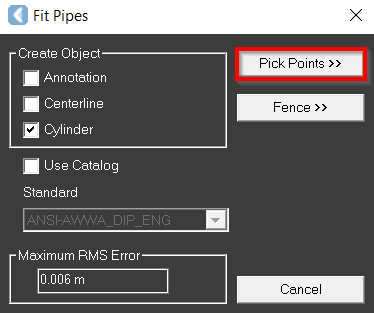
In the Fit Pipes dialog that appears, click the Pick Points button.
-
Pick a point in the TruSpace viewer to grow into a pipe.
-
The CAD pipe (or pipe center line) is created.