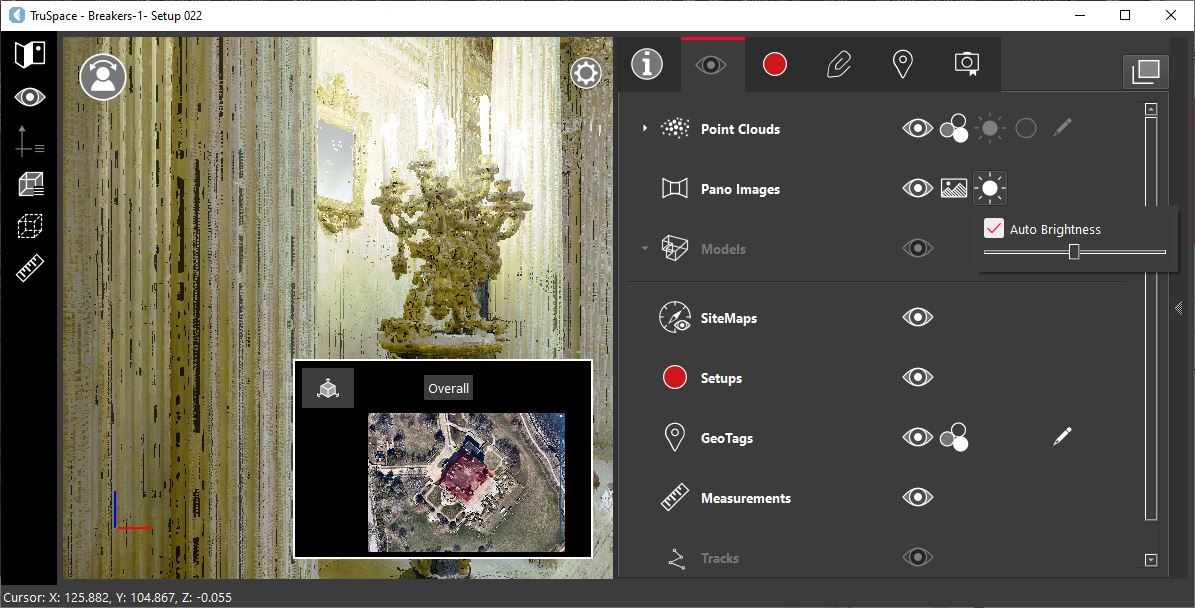
Visibility
To enable or disable the visibility of panoramic images, click the visibility icon 
-
Shortcut Key: I
Image Type
To change the pano renderer, click the Image Type icon 
-
Image
Applies the native true color image from the scanner.
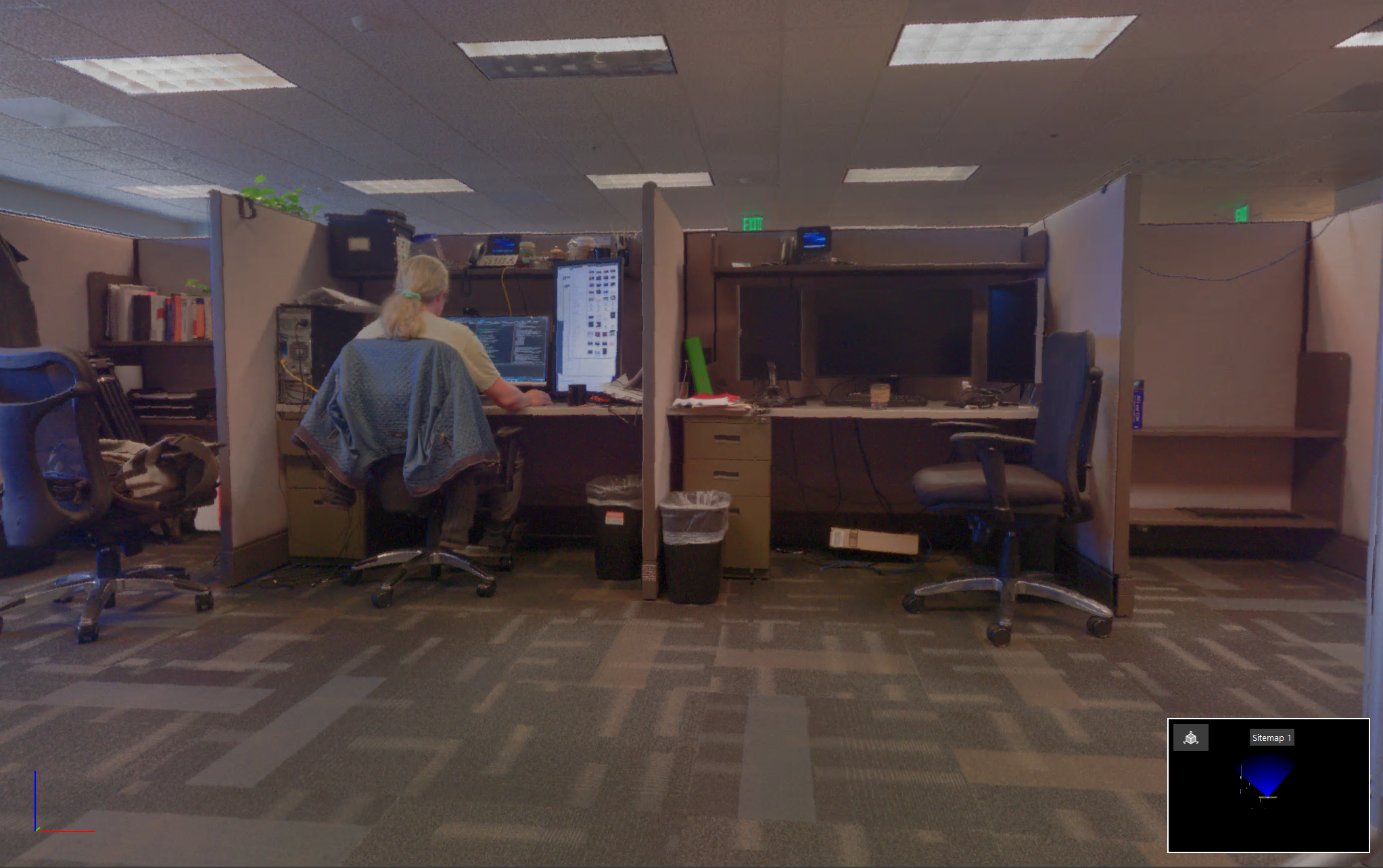
-
HDR Image: Applies the HDR image. When this renderer is used, the HDR slider will become active, allowing to adjust the HDR threshold.
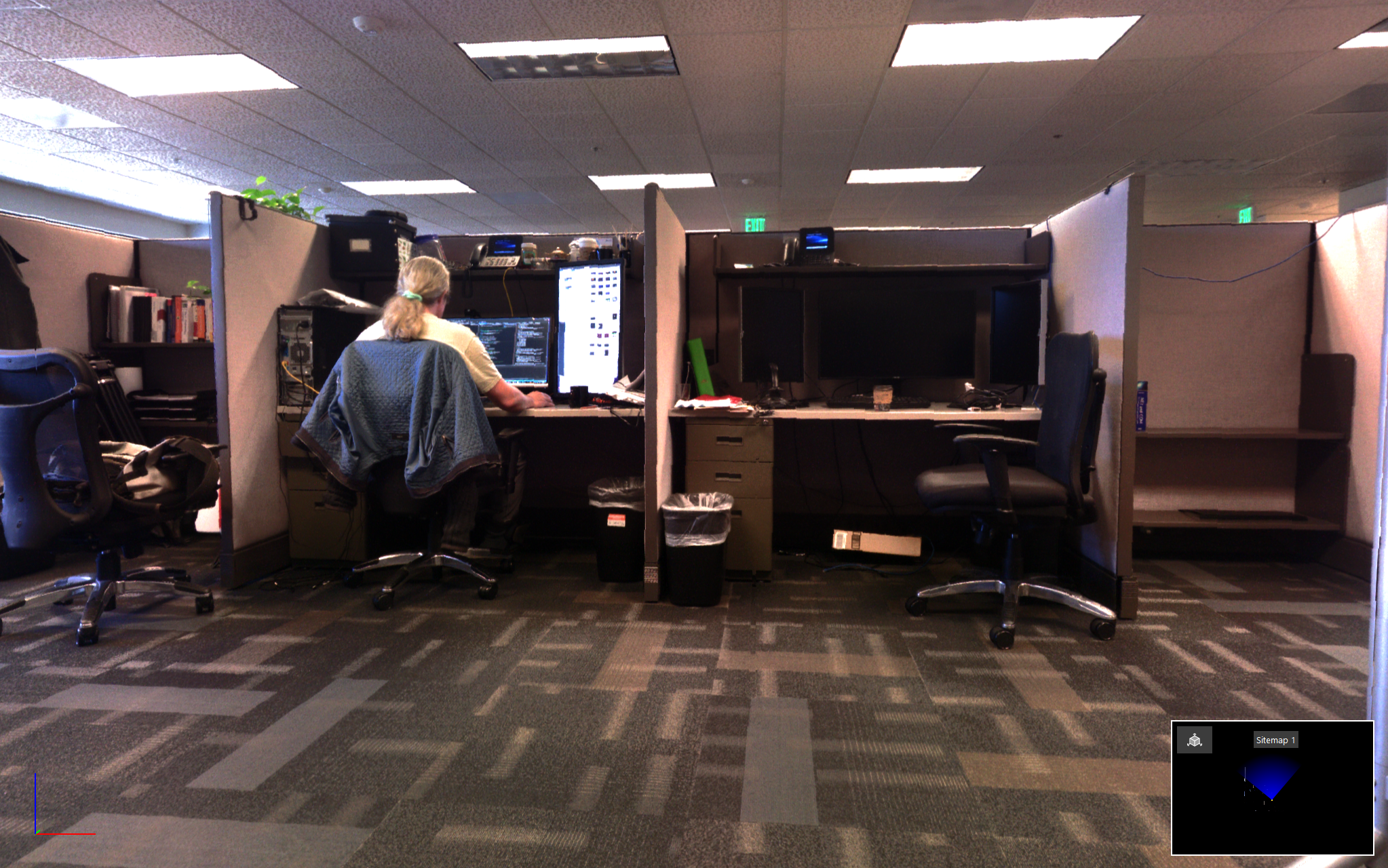
-
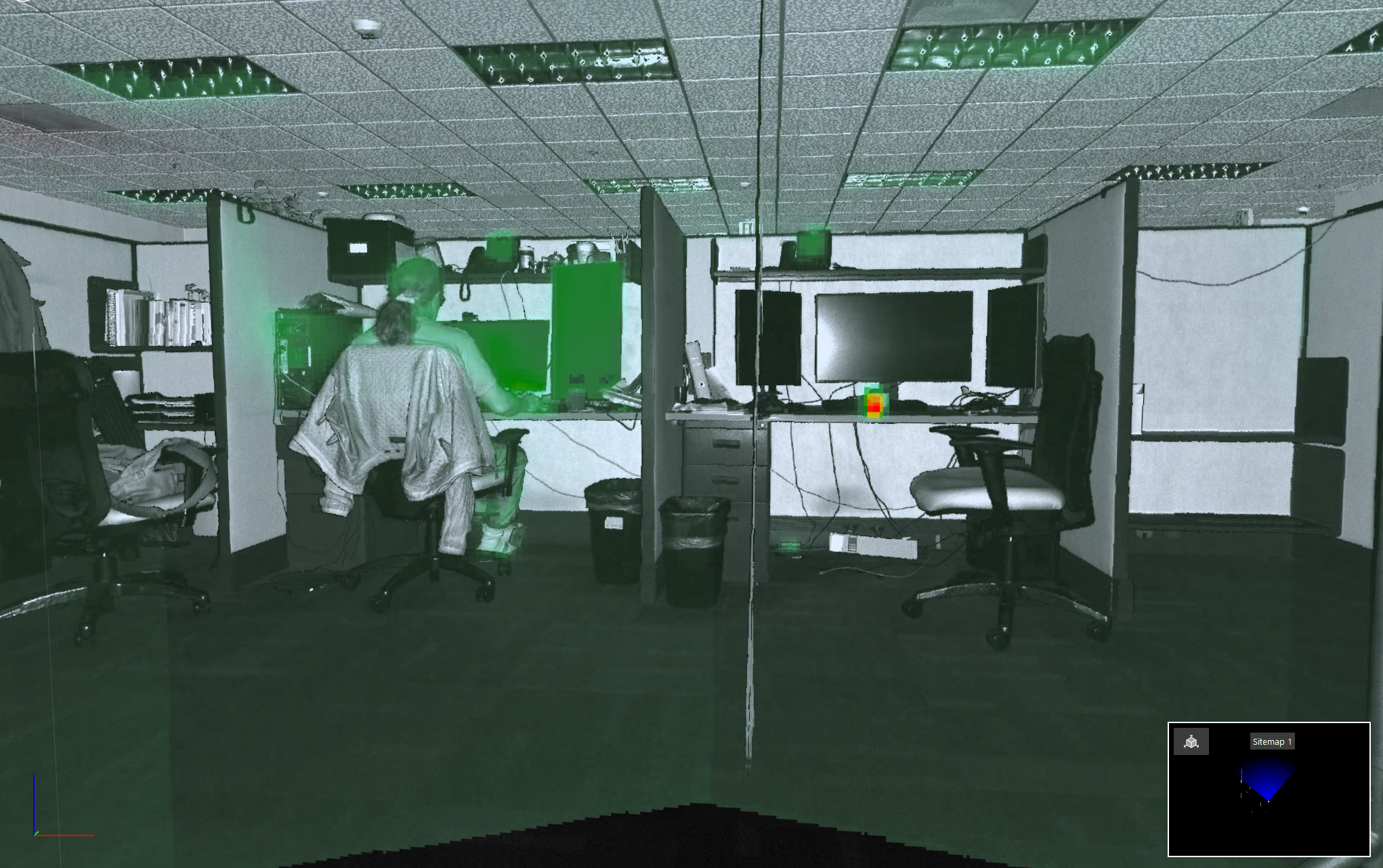
IR Image: Applies the IR image if it is available.
Brightness
To adjust the HDR threshold automatically, simply click the brightness icon 
To adjust the HDR threshold manually, deselect the Auto Brightness check box.
This is only active if the HDR image type is applied.