
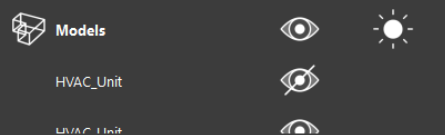
Visibility
To enable or disable the visibility of models, click the visibility icon 
Model visibility can toggled for individual models or globally for all models in the project.
-
Shortcut Key: J
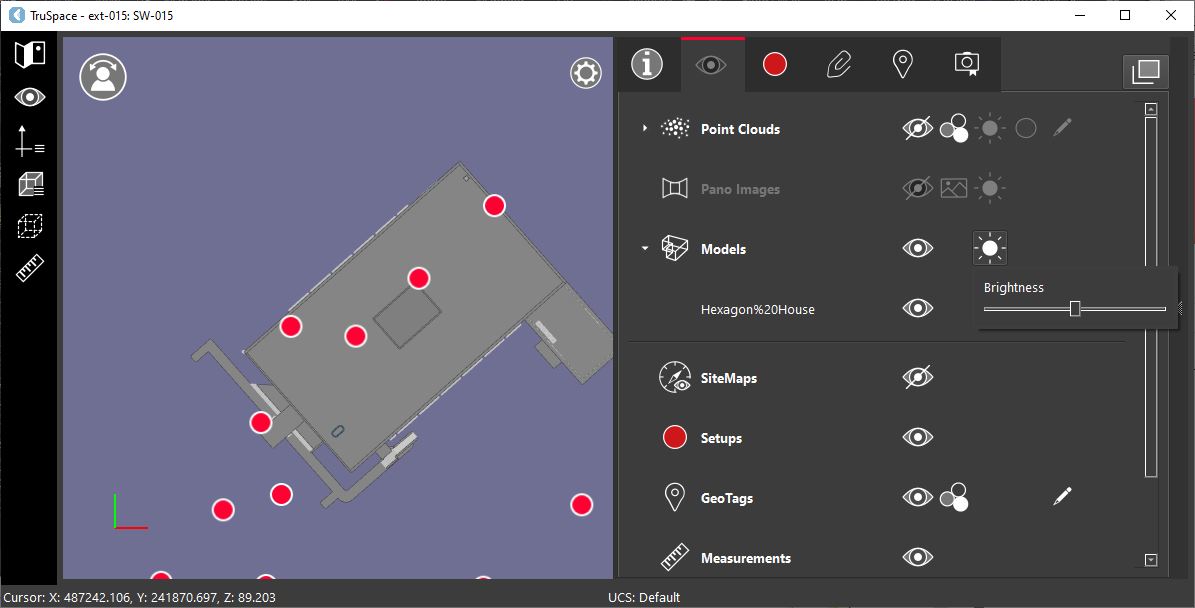
Brightness
To adjust the model brightness, click the model Brightness icon 
Model Deletion
To delete a model, click the Delete button next to the model.
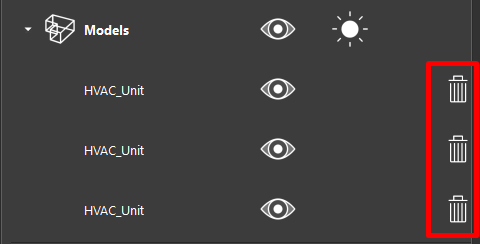
Reopening a dataset in TruSpace will restore any deleted models.