
LGS Converter 2026.0.0
What’s New
-
General dependancy update of internal libraries (Qt)
-
Users may run the LGS Converter Tool in Command Line mode (more details under Program usage section.)
The Leica LGS Converter Tool is a standalone program that allows the user to convert LGS file(s) to LGSx file(s) and save them directly to the user-selected directory location.
No license is needed to run the LGS Converter Tool
Please make sure you have the latest graphic card drivers installed from the manufacturer’s website.
Existing user should uninstall previous release before installing this release.
Installation
-
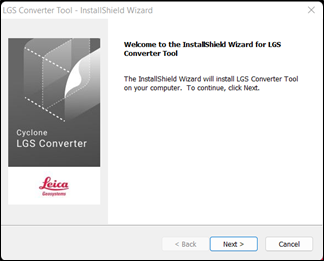
Click on the install file to start the installation process:
-
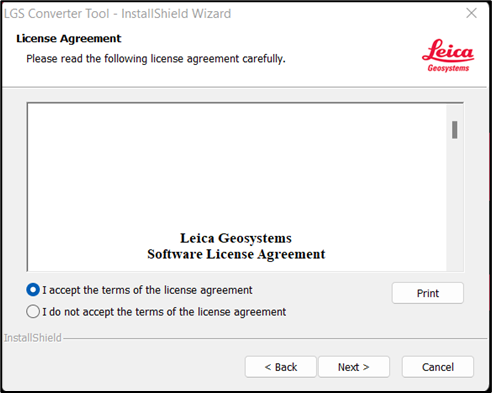
Click Next, accept the licensing agreement and click Next to proceed:
-
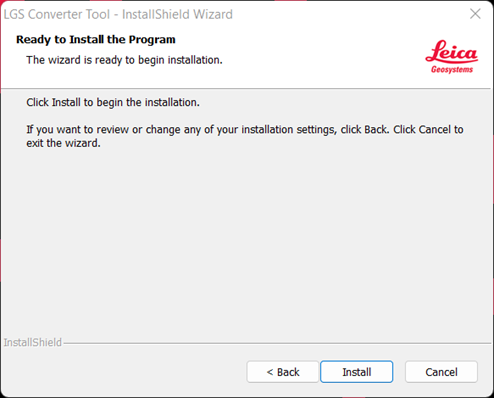
Click Install to complete the installation process:
-
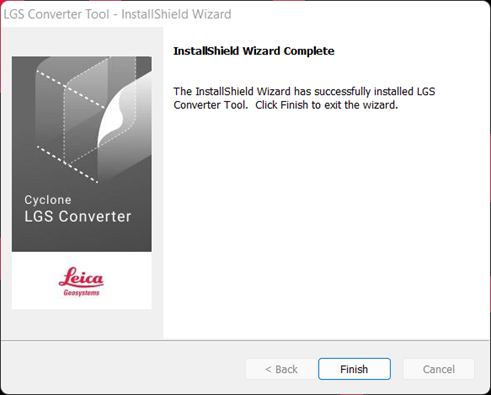
Click Finish to close the InstallShield Wizard:
Program usage
-
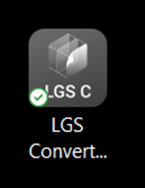
Click on the LGS Converter Tool icon on your desktop to start the program:
-
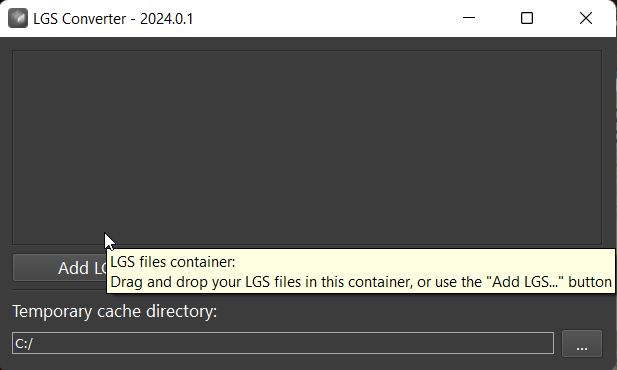
Click Add LGS to load LGS files from your local storage.
-
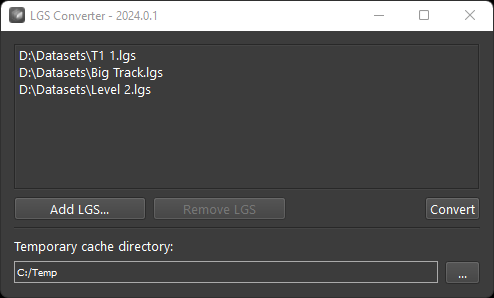
Click Convert to begin the conversion process.
-
File conversion will begin.
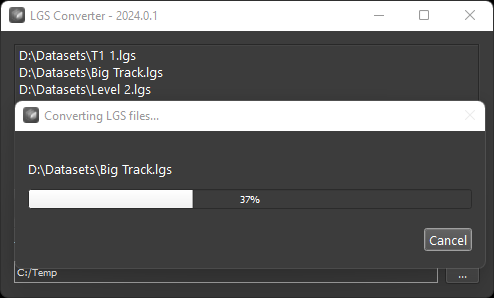
-
When conversion is complete. Click OK to complete the conversion and close the program:
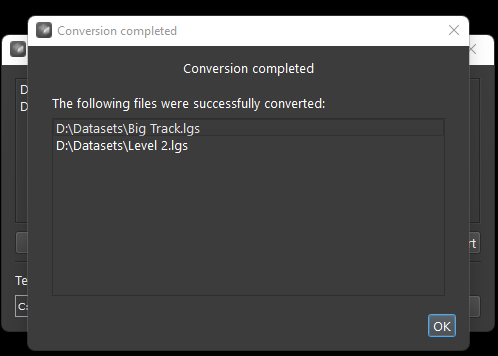
-
Optional - Running conversion in Safe Mode:
> LGSConverterTool.exe --safe | Command to run the tool in safe mode for recovering rare 'damaged' original LGS files.
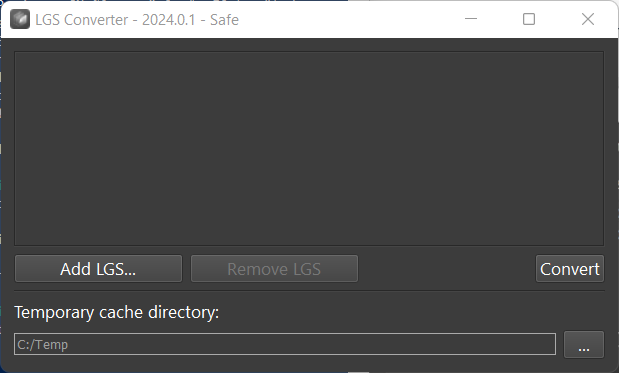
Conversion process will be longer depending on the amount of the recovery areas.
-
Optional - Running conversion in CLI Mode:
> LGSConverterToolCLI.exe --help for documentation.
Compatibility
The LGS Converter Utility produces LGSx files which can be consumed by 2023.1 and later versions of the Reality Capture portfolio of products. The chart below describes the specific file compatibility across the portfolio.