What’s new
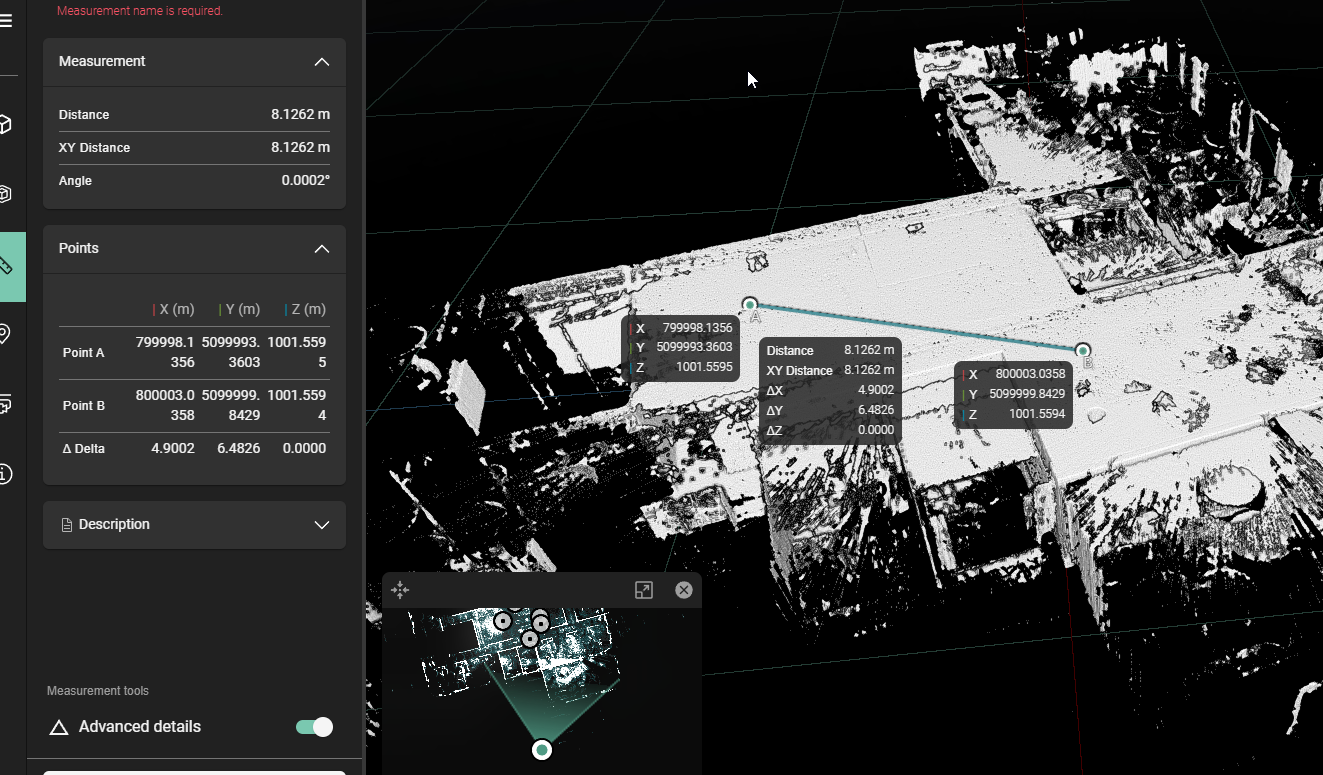
Support for UCS coordinate system
Basic support for UCS coordinate systems has been added to newly uploaded datasets in the LGSx format. If you have defined a customer UCS coordinate system in an external application such as Register 360 and export to LGSx, the resulting asset in RCS will reflect this coordinate system. This feature can be seen in coordinate readouts for advanced measurements.
This feature is currently limited to only the active UCS in the LGSx file. If there are multiple UCS coordinate systems, only the active one will be used.
Improvements
Re-enabled dollhouse mode for LGSx and LGS formats.
For best results, we highly recommend upgrading to the latest version of Register 360 (2025.0 of higher) or using Cyclone 3DR to ensure correct dollhouse functionality.
Comparison scenes now use more video memory which results in a smoother operation.
Bugs fixes
For certain datasets, using the new distance filters for setups and GeoTags would result in everything being filtered away, regardless of the distance input. This has been fixed.
When inviting an external user, you can now add a plus symbol in the email field and have it be correctly displayed in the UI component
Fixed an issue where pressing enter while entering a GeoTag name would result in a page refresh
When making a thumbnail for a scene, you would not be able to zoom in. This has been fixed.