This tool can be used to make smaller adjustments along the Z axis.

Select the Move Z tool.
Hotkey G will also initiate the tool.
Left click and drag the model to move it freely in the Z OR the up and down ARROW keys on your keyboard to nudge the model.
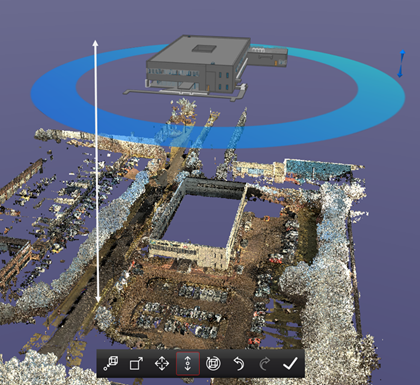
Possible directions of movement shown. 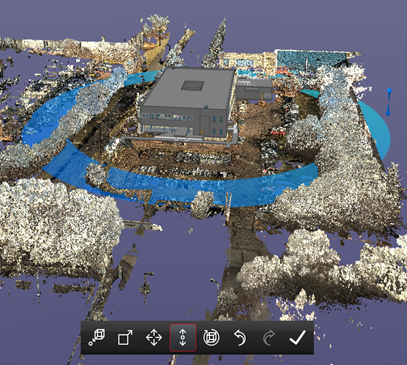
Model has been moved along the Z axis.