This tool can be used to adjust the size of the model.

Select the Scale tool.
Hotkey D will also initiate the tool.
Move the mouse from the center of the model outward to make it bigger.
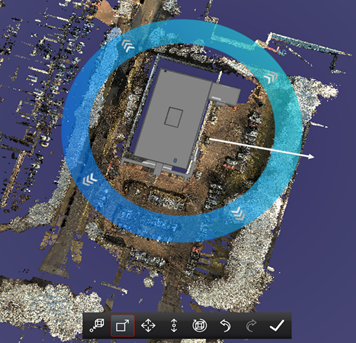
Direction of cursor movement shown
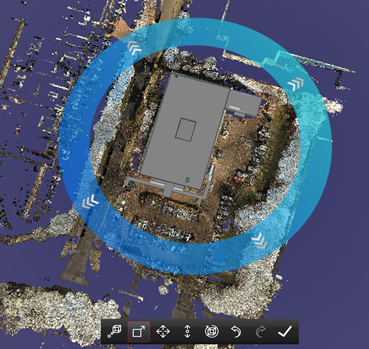
Model has been enlarged. Aspect ratio is maintained.
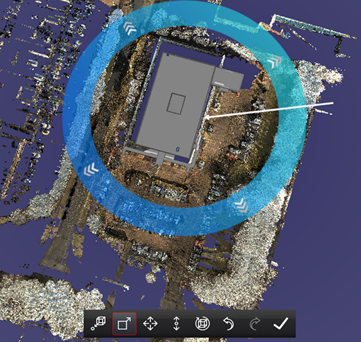
Direction of cursor movement shown.
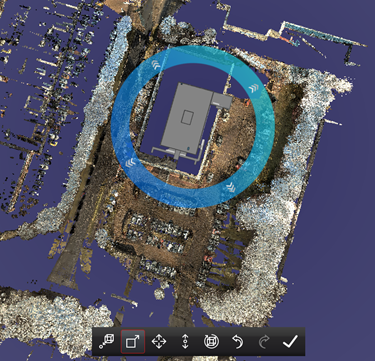
Model has been reduced. Aspect ratio is maintained.
The aspect ratio of the model will always remain the same. No distortion will occur.