This tool can be used to rotate the model in any direction.

Select the Rotate button.
Hotkey H will also initiate the tool.
Rings will appear around the three axes of the model.
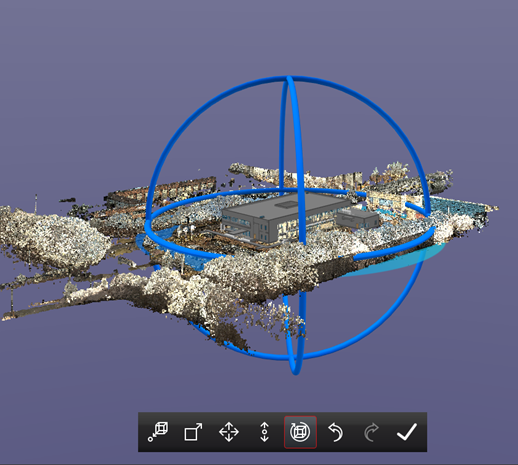
Select the model in any location to perform a free form rotation.
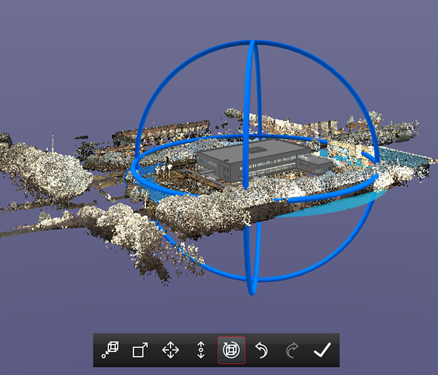
Model prior to free rotation.
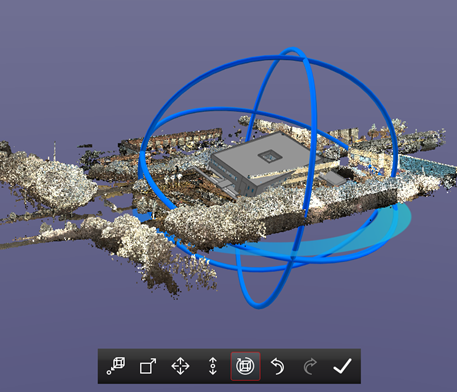
Model has been rotated freely in space.
While in free form rotation mode, hold the SHIFT key to lock the rotation direction to a single axis. The rotation axis will be locked to the last direction in which it was rotated. OR select one of the rings to rotate the model along the chosen axis.
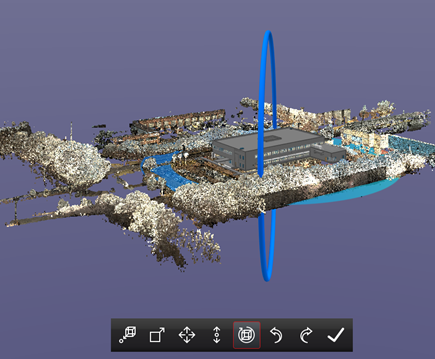
Model prior to rotation on the Z axis. Z axis selected.
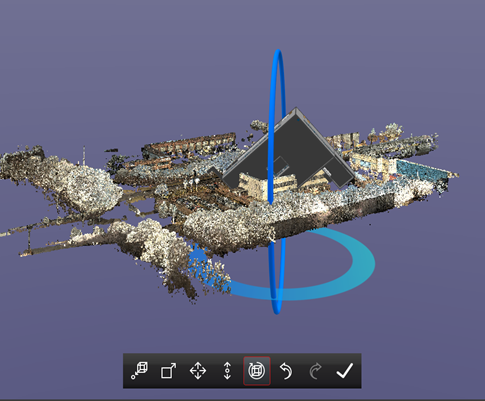
Model has been rotated along the Z axis only.