The Subscriptions page shows the status of your subscription and how much of your subscription quota has been used. It updates in real time and tracks three categories: upload, download and processing.
Who can see this page: company account Admins and Maintainers.
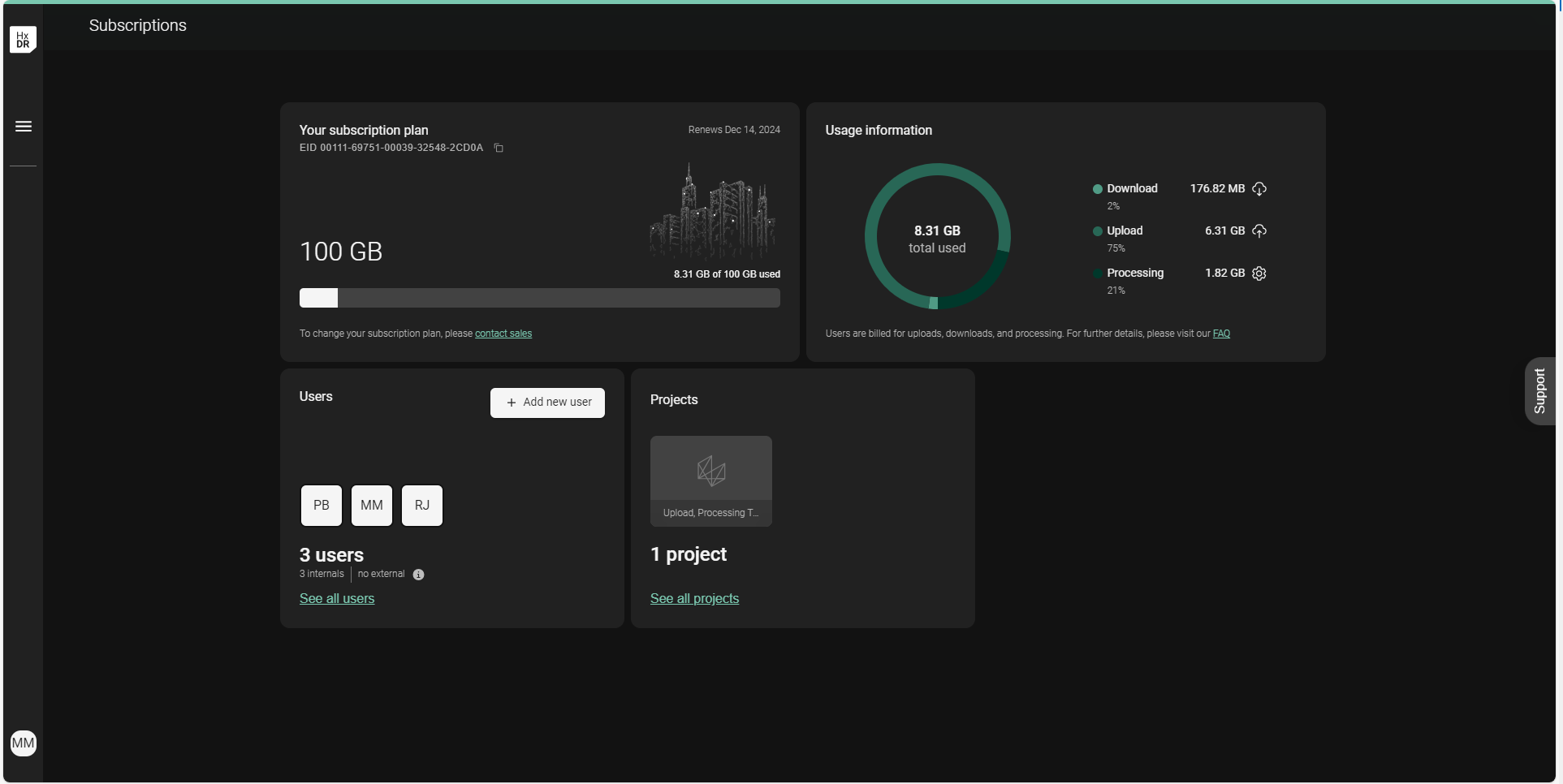
Dashboard sections
The GeoCloud dashboard includes four sections.
Your subscription plan
Usage information
Users
Projects
Your subscription plan
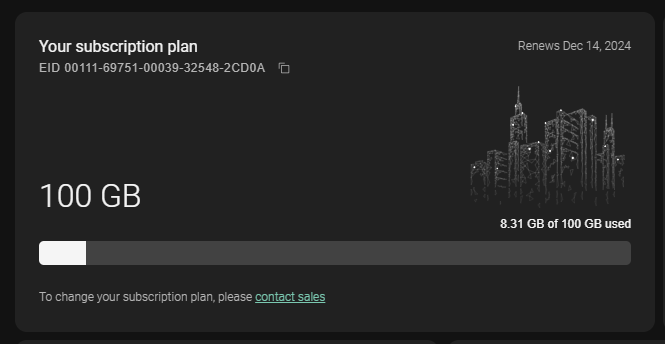
EID: the Entitlement ID, the unique identifier of your subscription. Include it in any request about your subscription, such as adding quota, so your Customer Success Manager can find it quickly.
Renewal date: the date your current subscription term ends. See Renewing your subscription. At renewal, only the original quota renews. For example, if your subscription included 1 TB and you added 500 GB during the term, 1 TB renews.
Subscription quota: the total quota available in the current term, which is the original subscription plus any add-ons ordered during the term.
Total utilization: The utilization bar reflects how much of the subscription quota has been consumed. This graphical and numerical representation makes it simple to track how much of the available data remains to better anticipate the need for additional data.
Usage information
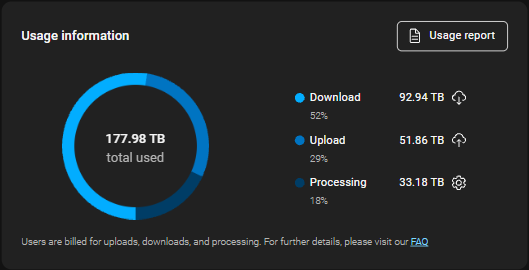
Utilization ring: The utilization ring displays the ratio of data consumed across the three tracked categories--download, upload and processing. The total utilization in this ring will always match the utilization displayed in the subscription plan section. This graphical view can help Admins keep track of how their teams are using the platform and make informed decisions about how to most effectively use the company's resources. See What consumes your subscription quota.
Utilization details: The utilization details provide precise figures for consumption across the three tracked categories--download, upload and processing.
Usage report: generates a CSV of usage broken down by project and user. Only Admins can generate it. See Export a usage report per project.
Users
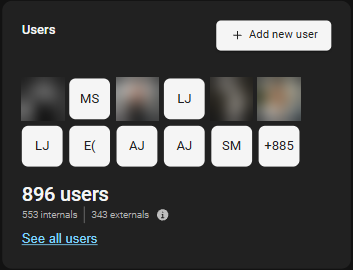
The Users section provides a helpful preview of the relevant user statistics for the account such as the total number of users and the number of external users. It also provides a shortcut to the user administration section and the user invitation widget.
Projects
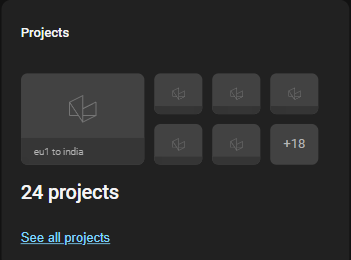
The Projects section provides a helpful preview of the projects within the account and a shortcut to the project list.