
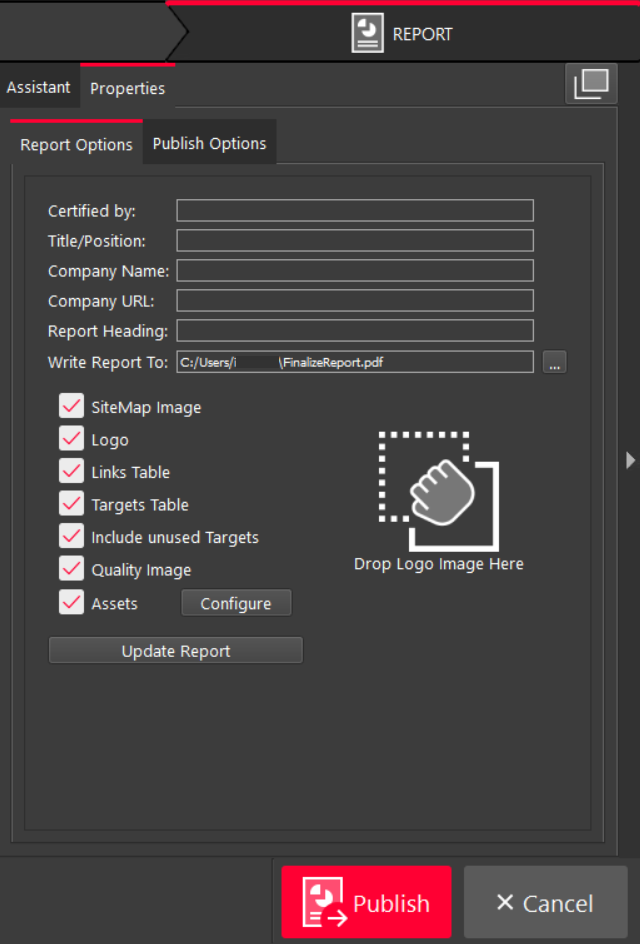
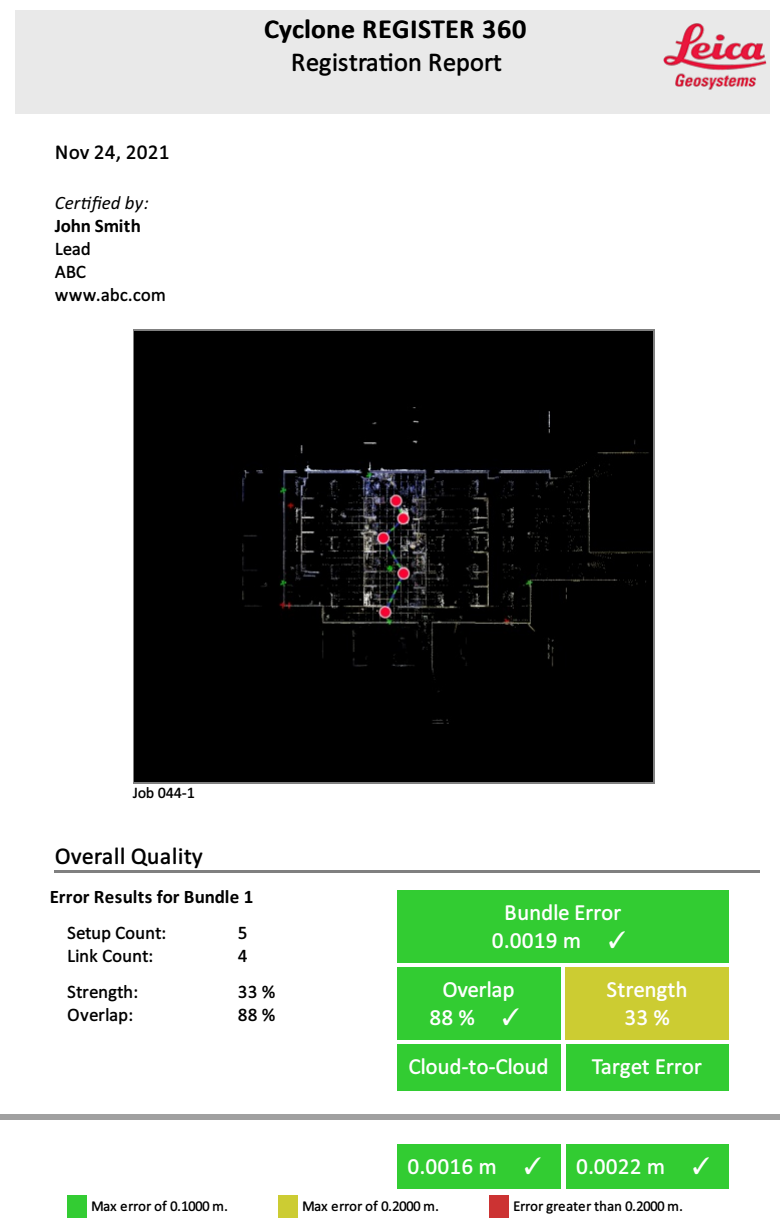
Users can customize their reports by adding a name, title, and company information. It is possible to drag and drop to add a company logo to the report. Also, users can toggle items on and off by using the check boxes.
Report Heading
The user can give a custom name for the report.
Write Report To
The Write Report To option allows the user to specify where to save a PDF report.
Include Unused Targets
The Include unused Targets option allows the user to decide whether to include deactivated targets in reports when publishing a Finalized Registration.
When enabled, all targets, including those that are not in use, will be included in the report. If disabled, the unused targets will be excluded from the report.
Configure
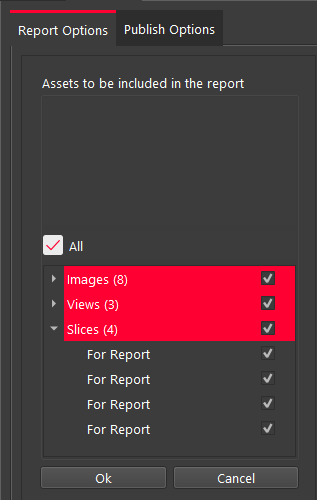
The user can use this button to customize which assets (images) are included in the report.
Update Report
This button will refresh the on-screen report to allow the user to preview the changes.